
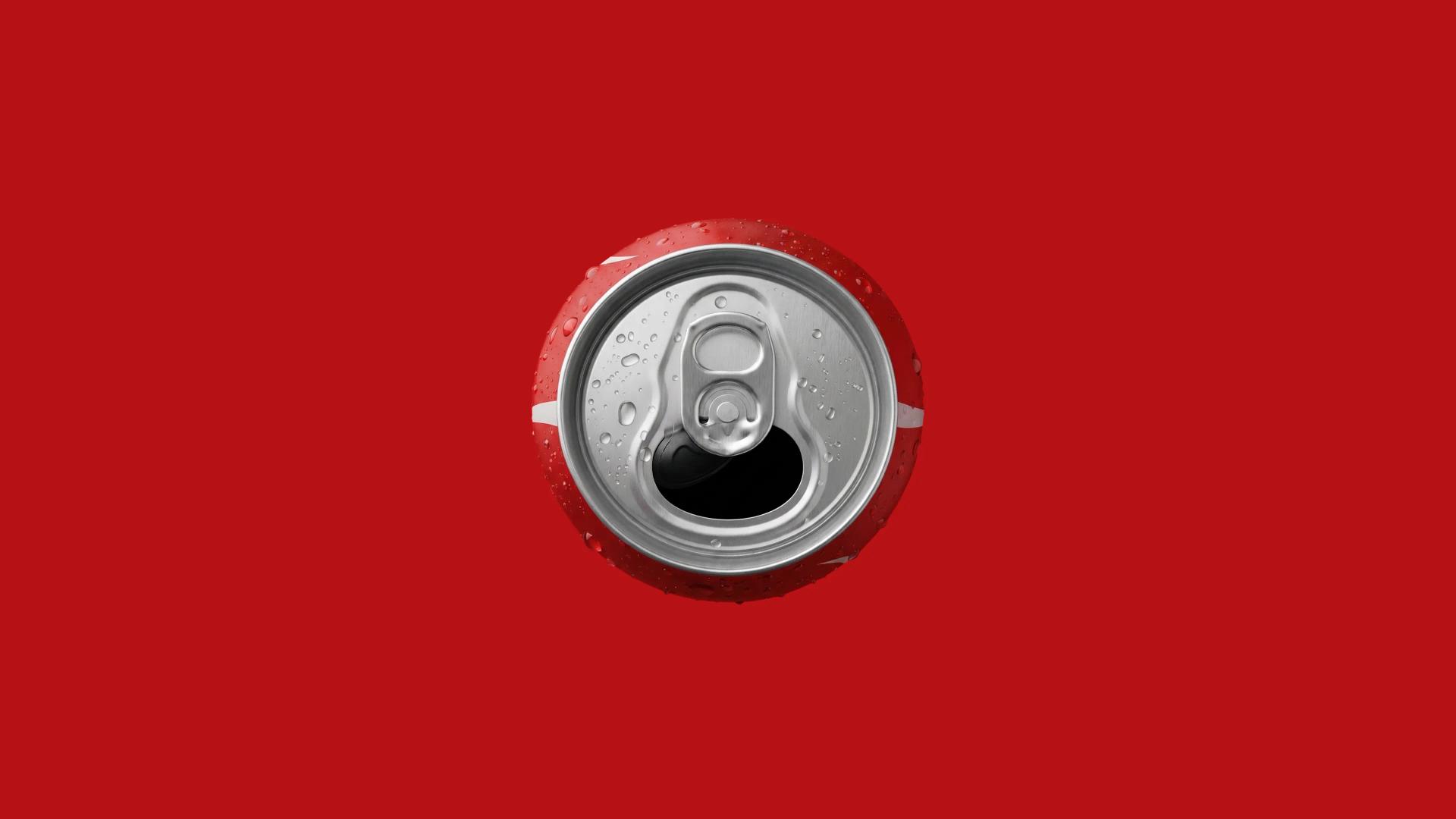
A Connected Drinks Dispenser and the Software Behind It
A connected drinks fountain pours more than a hundred custom combinations from one machine. Someone has to build the software that runs it, test it, and ship updates to a whole fleet, and someone has to get the on-machine experience right for the person holding the cup. This was a design programme across both ends: the touchscreen a customer uses to choose and pour, and the development studio the engineering teams use to assemble, simulate and deploy the machine software. A development partner owned the build on their own embedded platform. We designed the experience on top of it.
Solution
- The world's largest beverage company
- Global, multi-market
- 2023 – 2024
Services
- UX Design
- UI Design
- Product Discovery
Credits
- Design Lead
- Product Designer
- UX Designer
- UI Designer
- Illustrator
The Challenge
[✳]One machine pours the whole range. A cola in original, zero and light, an orange, a lemon-lime, an iced tea in two flavours, still and sparkling water, and flavour shots like cherry, lime and berry layered on top. That comes to more than a hundred combinations, sold across different countries, chosen by someone standing at the machine with a cup in one hand. Behind the counter, people mix their own drinks, and the whole programme is meant to make each pour lighter on waste.

The obvious move on the consumer side was to take a phone-app pattern, a scrolling grid of product tiles, and put it on the machine. It would have shipped quickly. It also would have felt wrong for the setting: dense, cramped, and awkward for wet hands with a queue behind you. A shared fountain in a public venue asks for something calmer and more physical than a phone menu, and it has to earn its place on hardware with a tight performance budget.
The interface runs on the dispenser's own embedded platform, supplied by the development partner, rather than a general-purpose phone or tablet. That set a firm budget for image weight, motion and memory on the consumer side. It also meant the people building for these machines were working in embedded development, where tooling is often fragmented and slow, which is the gap the studio was there to close.
A fountain in a canteen or forecourt is touched by hundreds of people a day, often in a hurry. The journey had to be short enough to finish without thinking, forgiving enough to correct a wrong tap, and comfortable one-handed. The reusable-bottle habit added a rinse step that most drinks interfaces never consider.
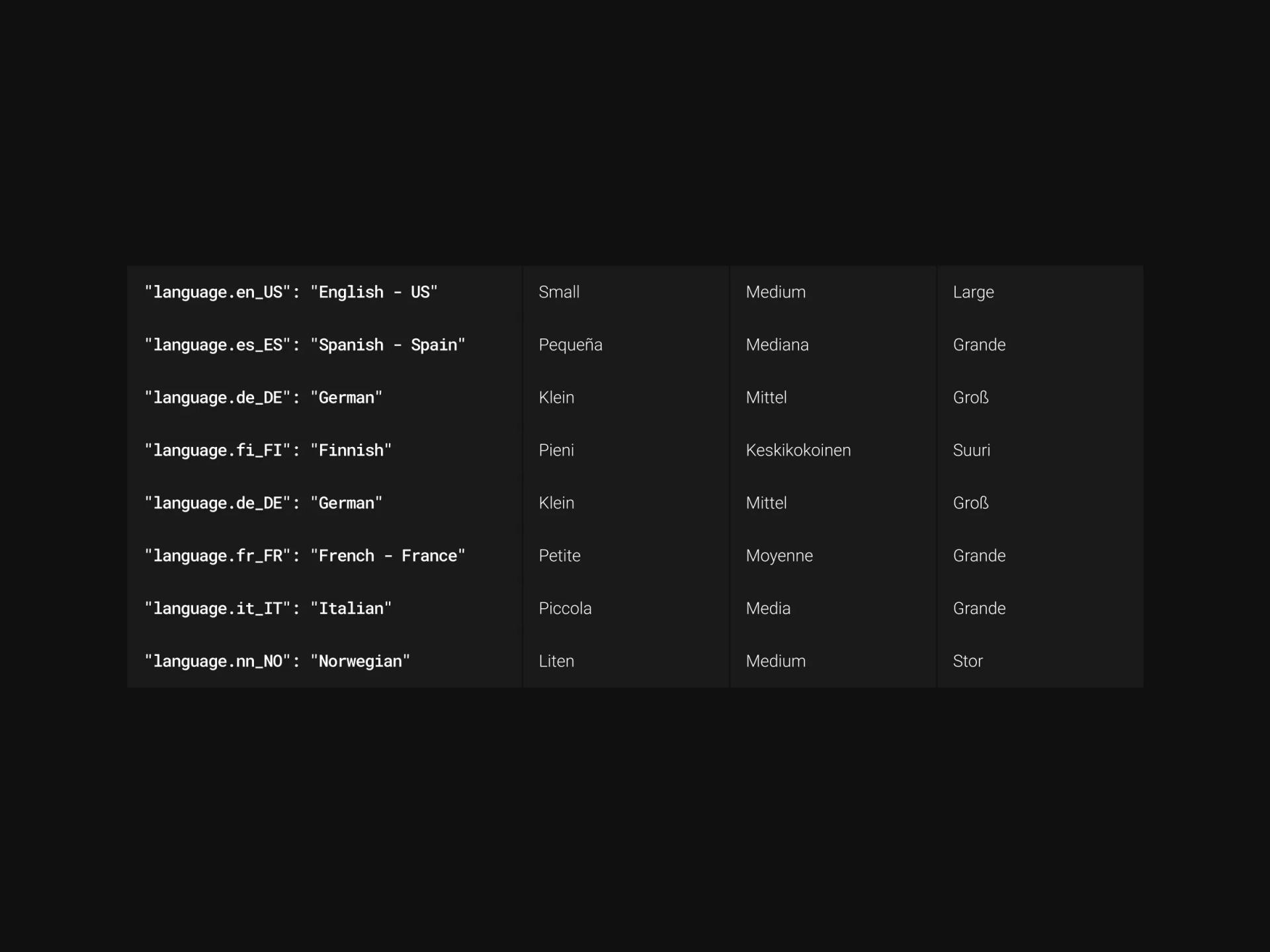
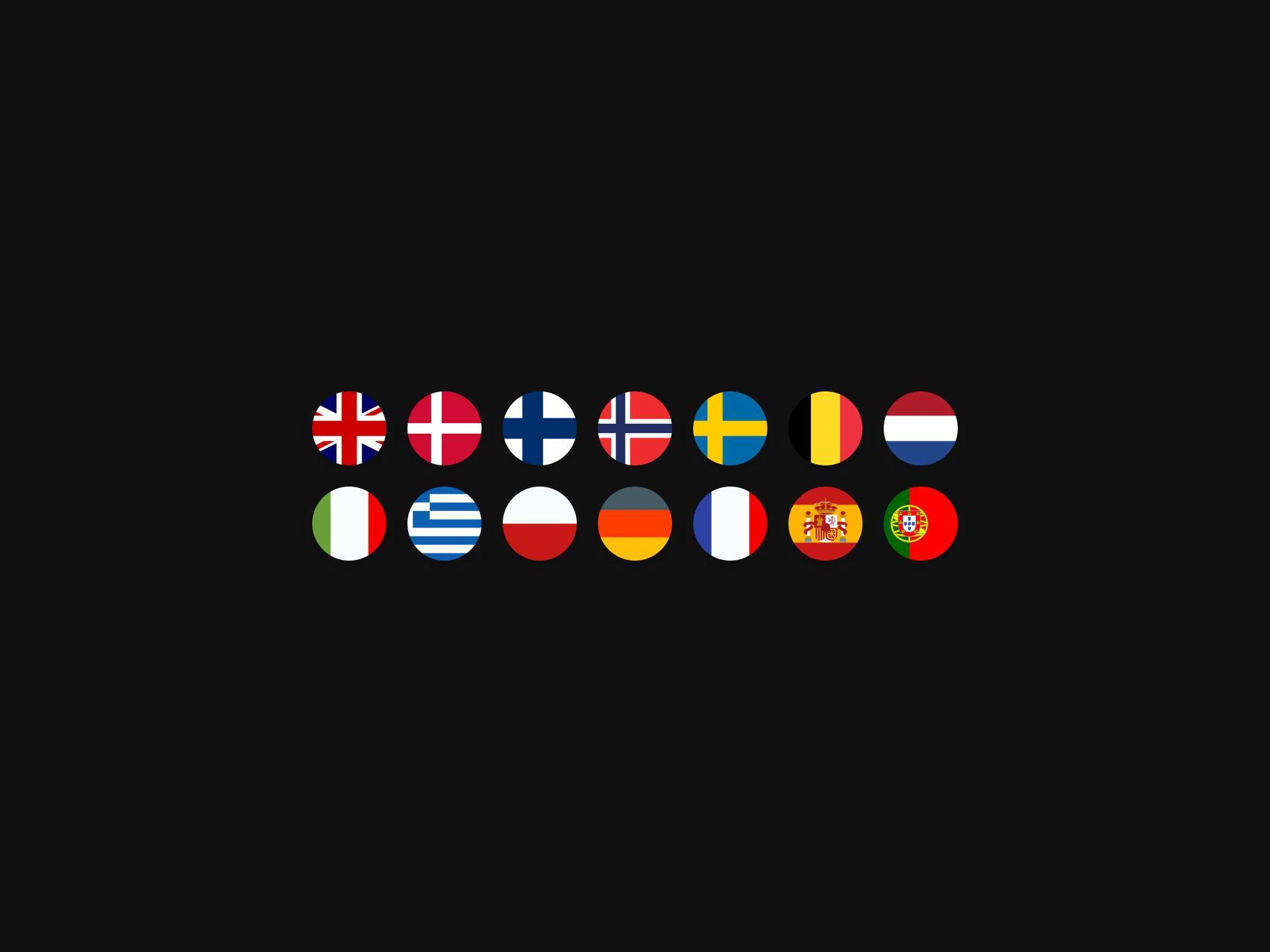
Product names, sizes and instructions all change by market. The same screens ship with German brand names, English instructions elsewhere, and a language toggle within reach. The layout had to absorb longer words and different labels without redrawing, so text length could never be allowed to break a button or a label.
The Solution
[✳]We started by mapping both ends of the work: the pour journey a customer takes, from walking up to the machine to a full cup, and the build journey an engineering team takes to get software onto that machine. Discovery ran alongside the development partner, who owned the machine software and the pour logic through their dispense SDK. That told us what the interface could ask the hardware to do, and where the design had to stay within limits. From there we shaped a single interaction model for the customer side and a single working environment for the builder side.
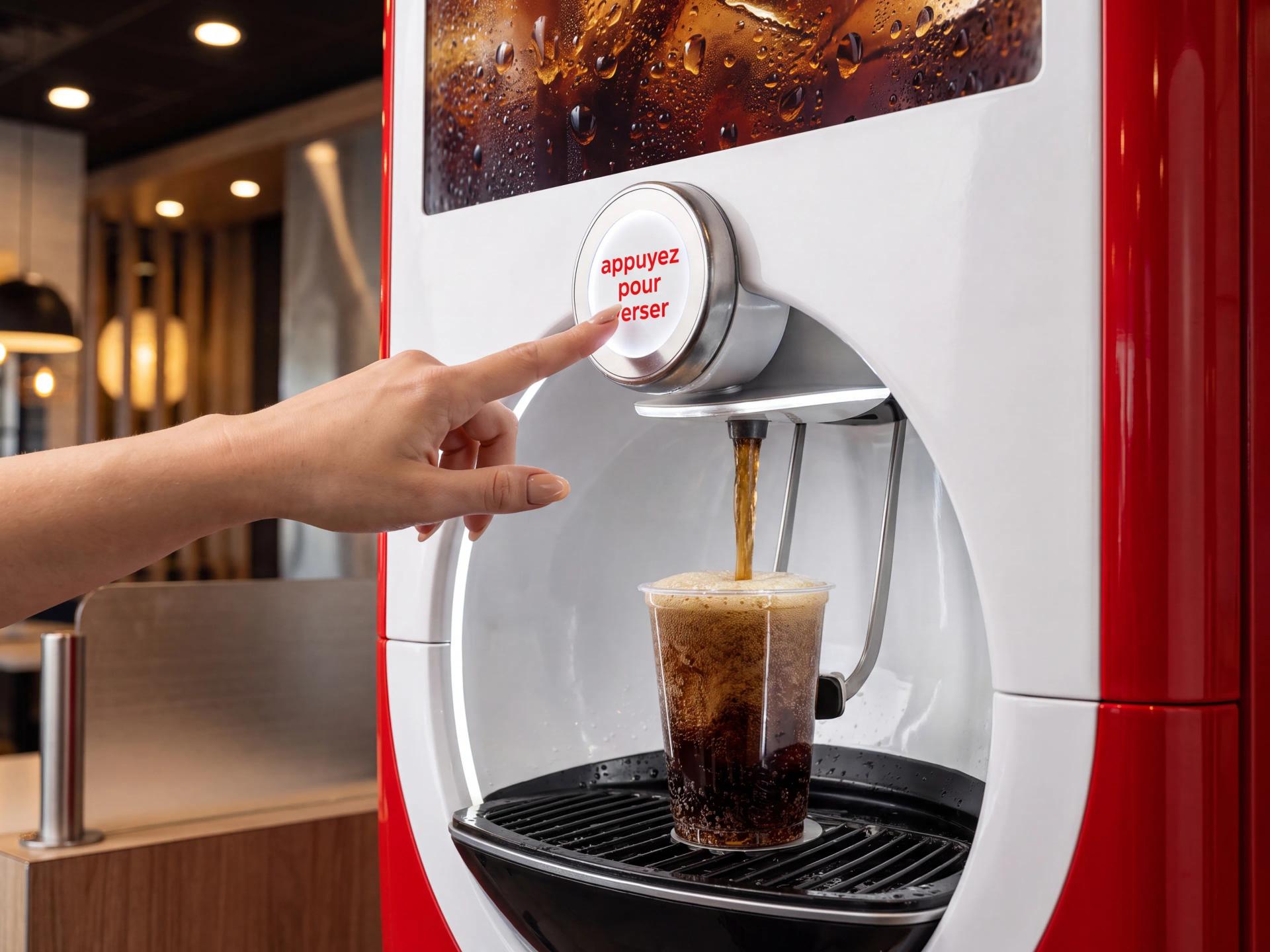
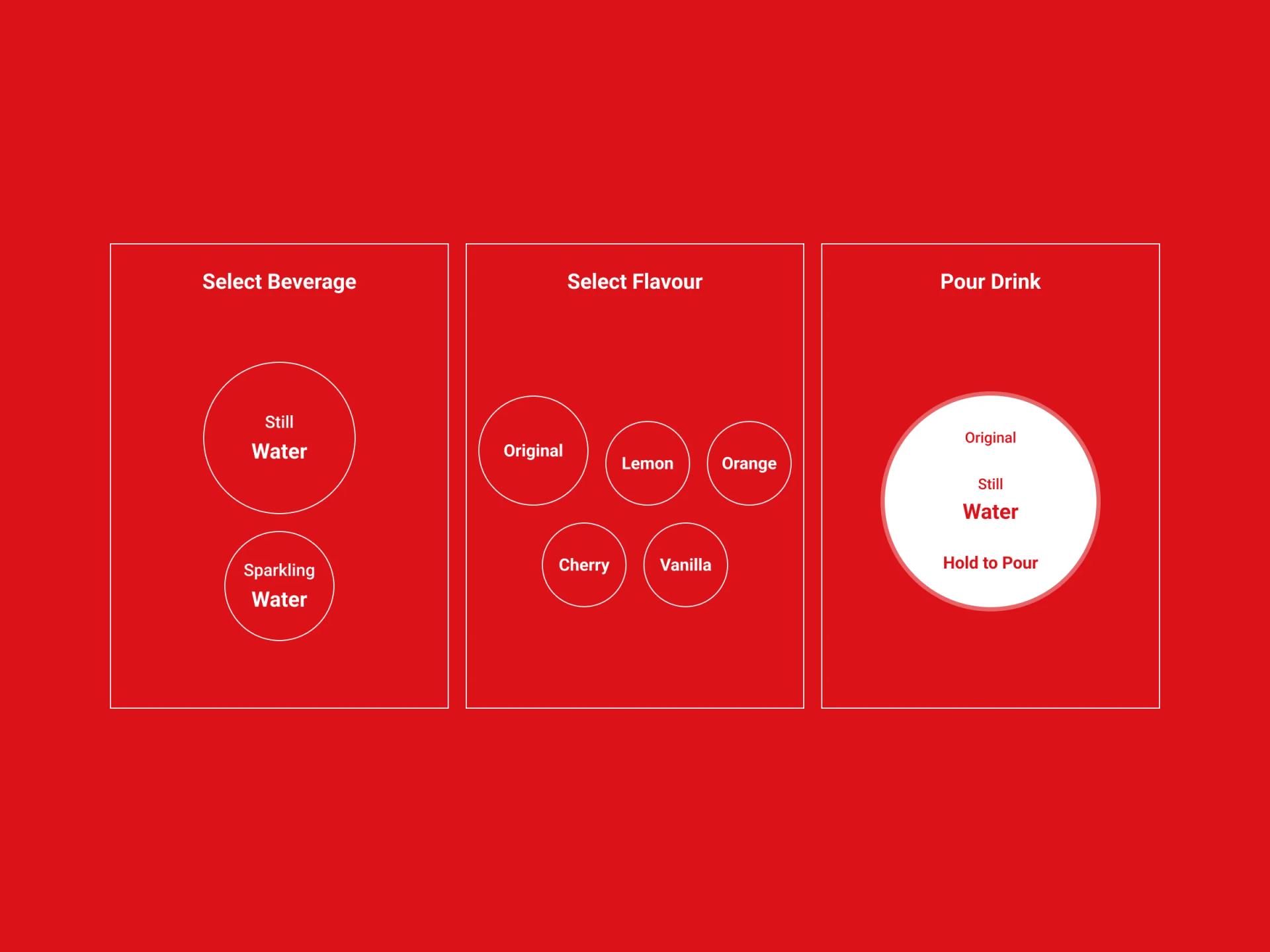
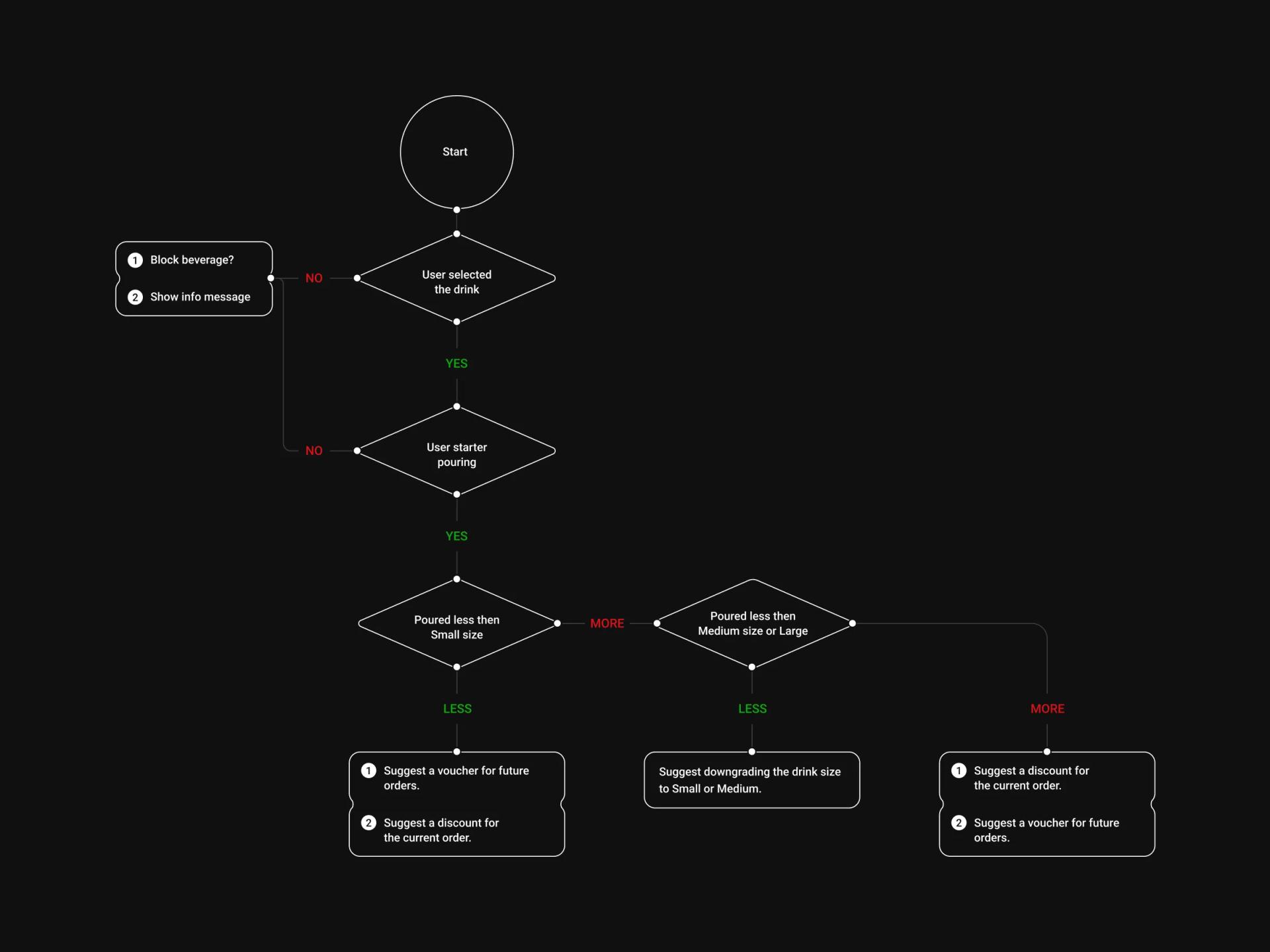
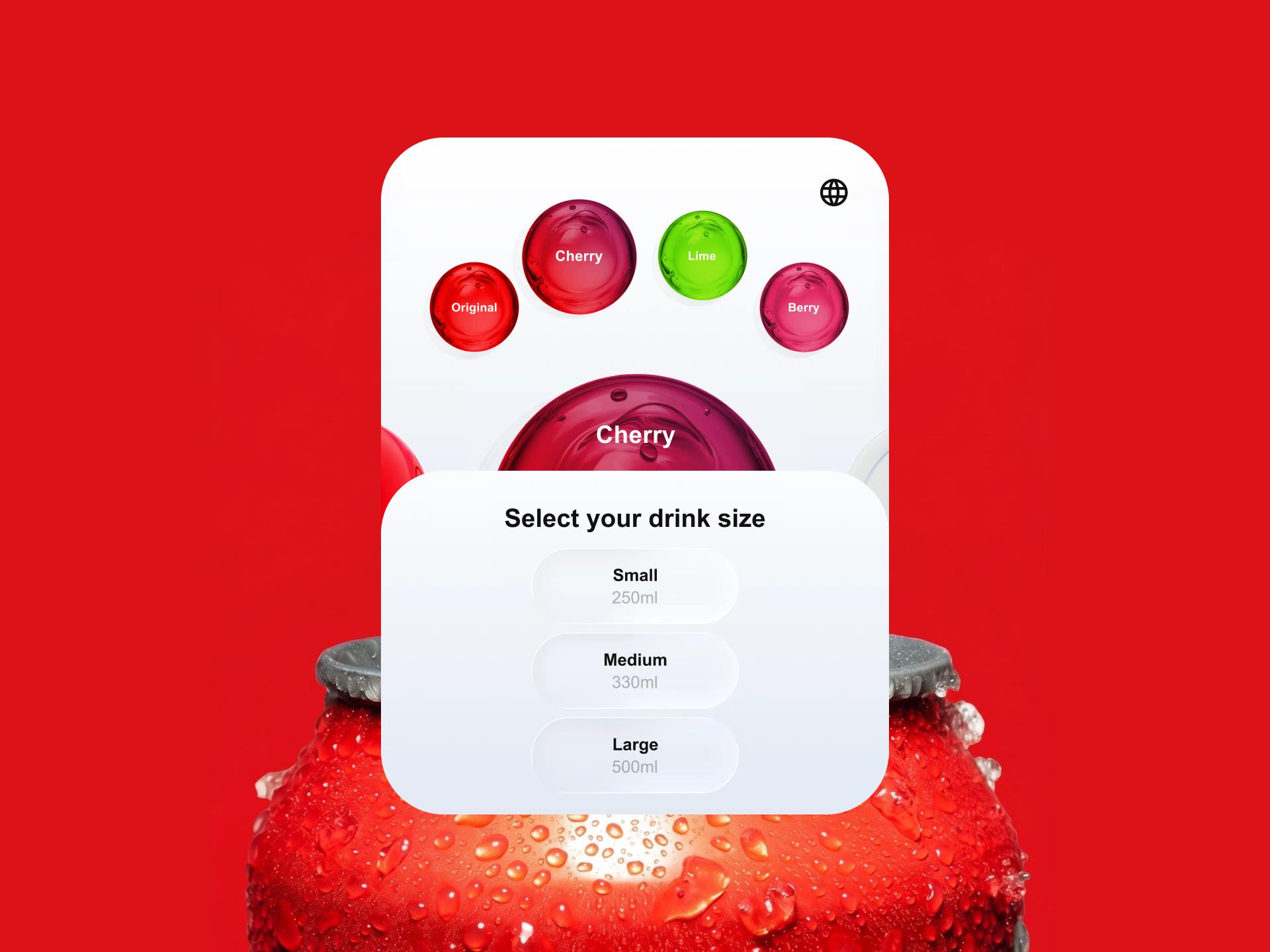
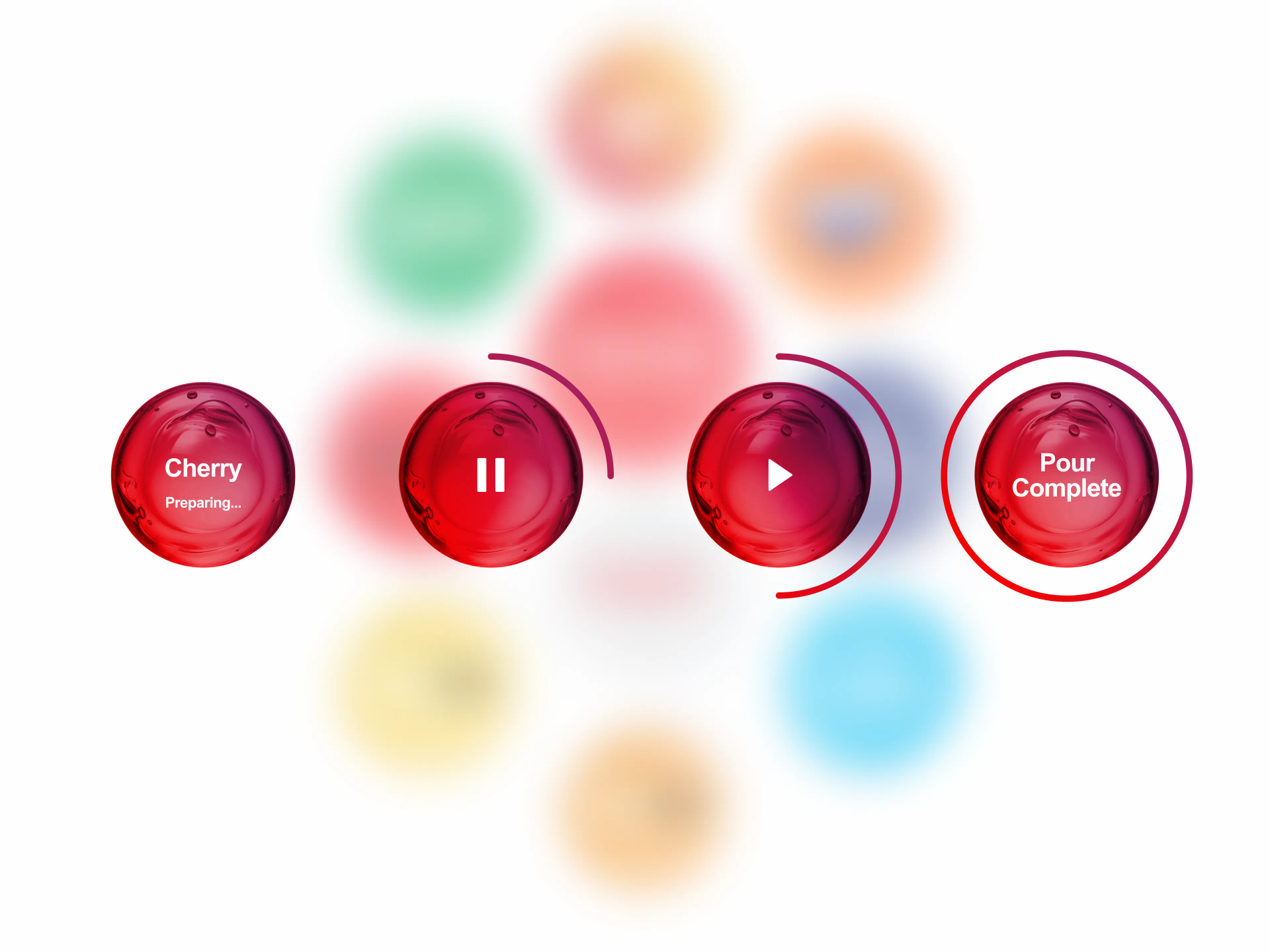
The interaction design settled on a short, physical journey. A home screen presents the range as floating liquid discs, each carrying a brand, and a tap opens it. Flavour and size sit together on one screen: pick a shot such as cherry, lime or berry, pick small, medium or large, then confirm. Pouring is a deliberate hold-to-pour gesture with a progress ring, release to stop, and a clear pour-complete state, which keeps a person in control of a physical action rather than leaving a tap running. The visual language turned each drink into a glossy liquid button, coloured to its brand, with motion that reads as liquid moving. That look does the branding work while staying legible at arm's length and cheap enough to render on the machine.
Product discovery framed what all of this had to cover before a pixel was drawn, on both sides. For the consumer experience, we worked through the catalogue, the market and language variations, and the constraints coming back from the partner's platform. For the builder experience, we mapped how a team actually gets software onto these machines, from configuring a device to shipping a build, and turned that into the shape of the studio. The same discovery work produced the illustrations for an internal configuration tool that shows how a machine is plumbed: which pump feeds which ingredient, and how carbonated water and syrups combine into each finished beverage.
Inside the Development Studio
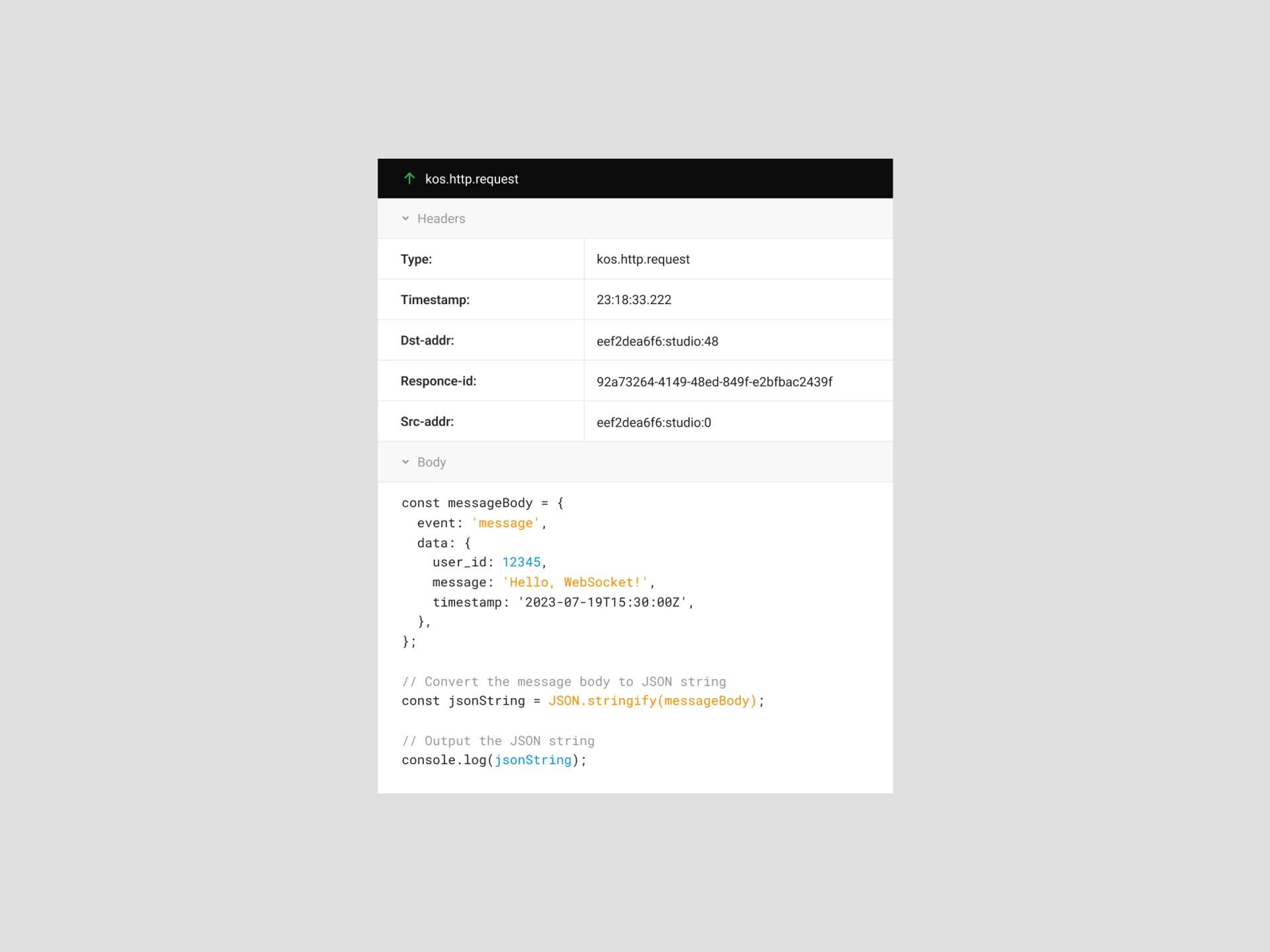
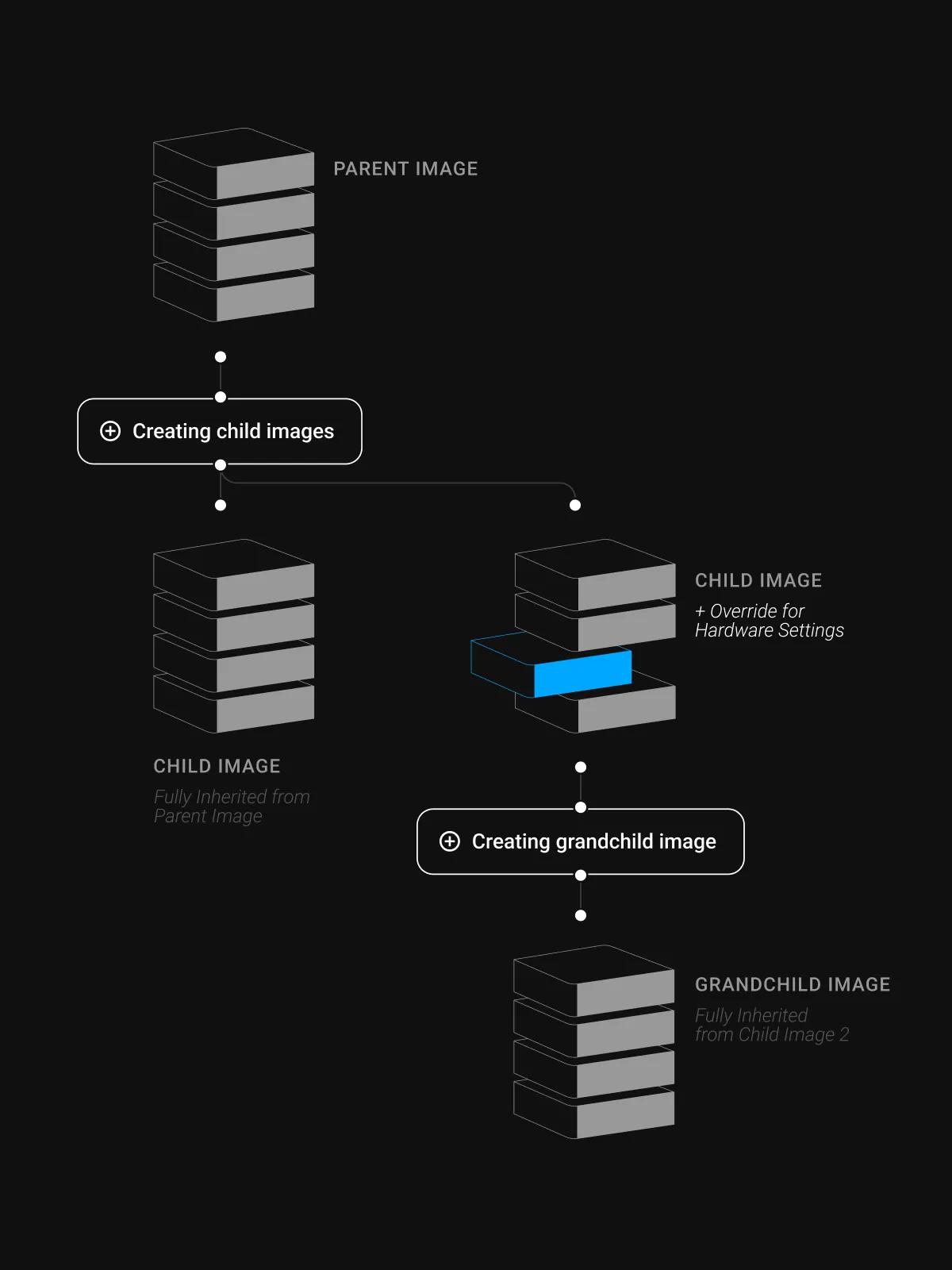
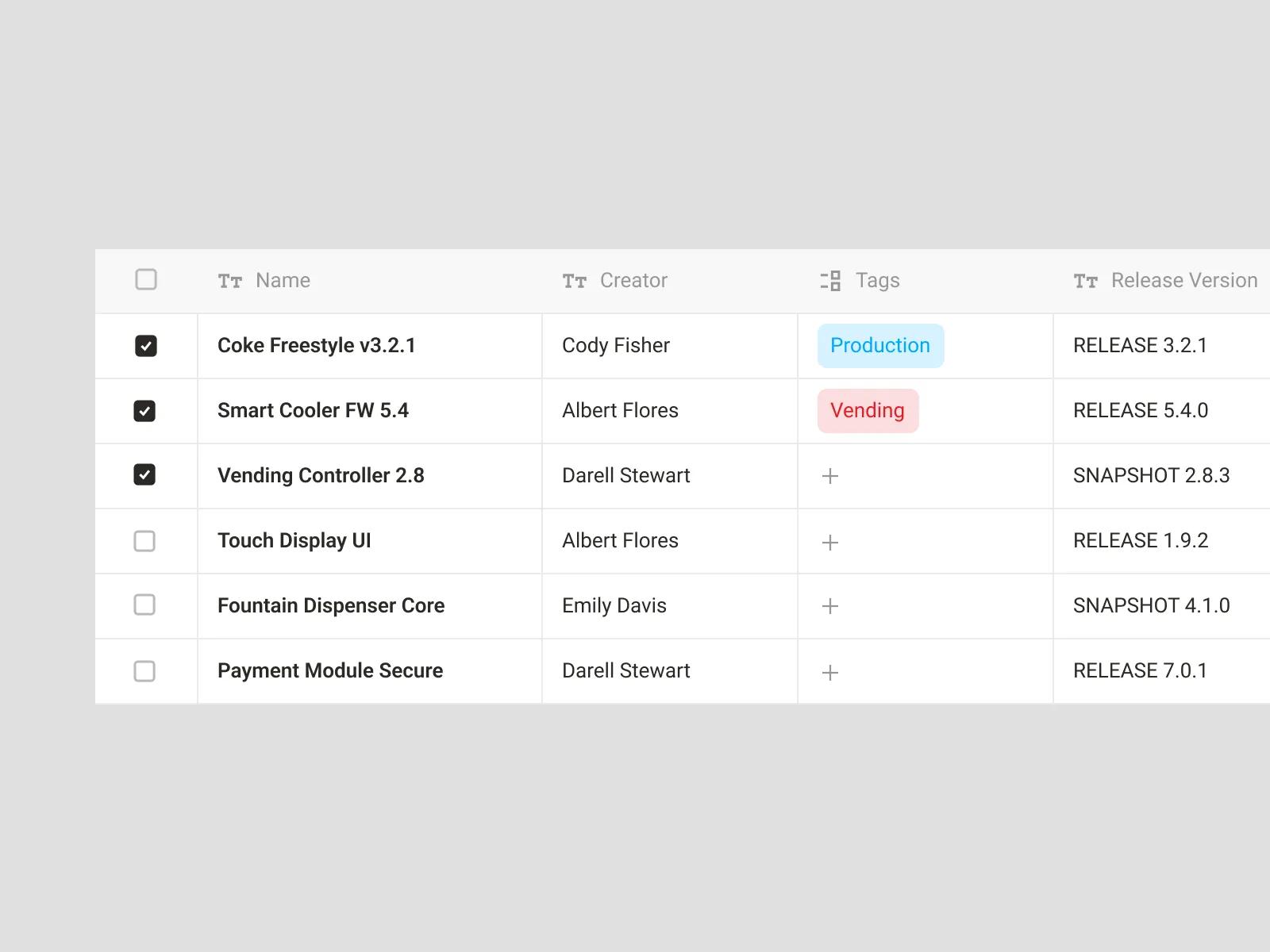
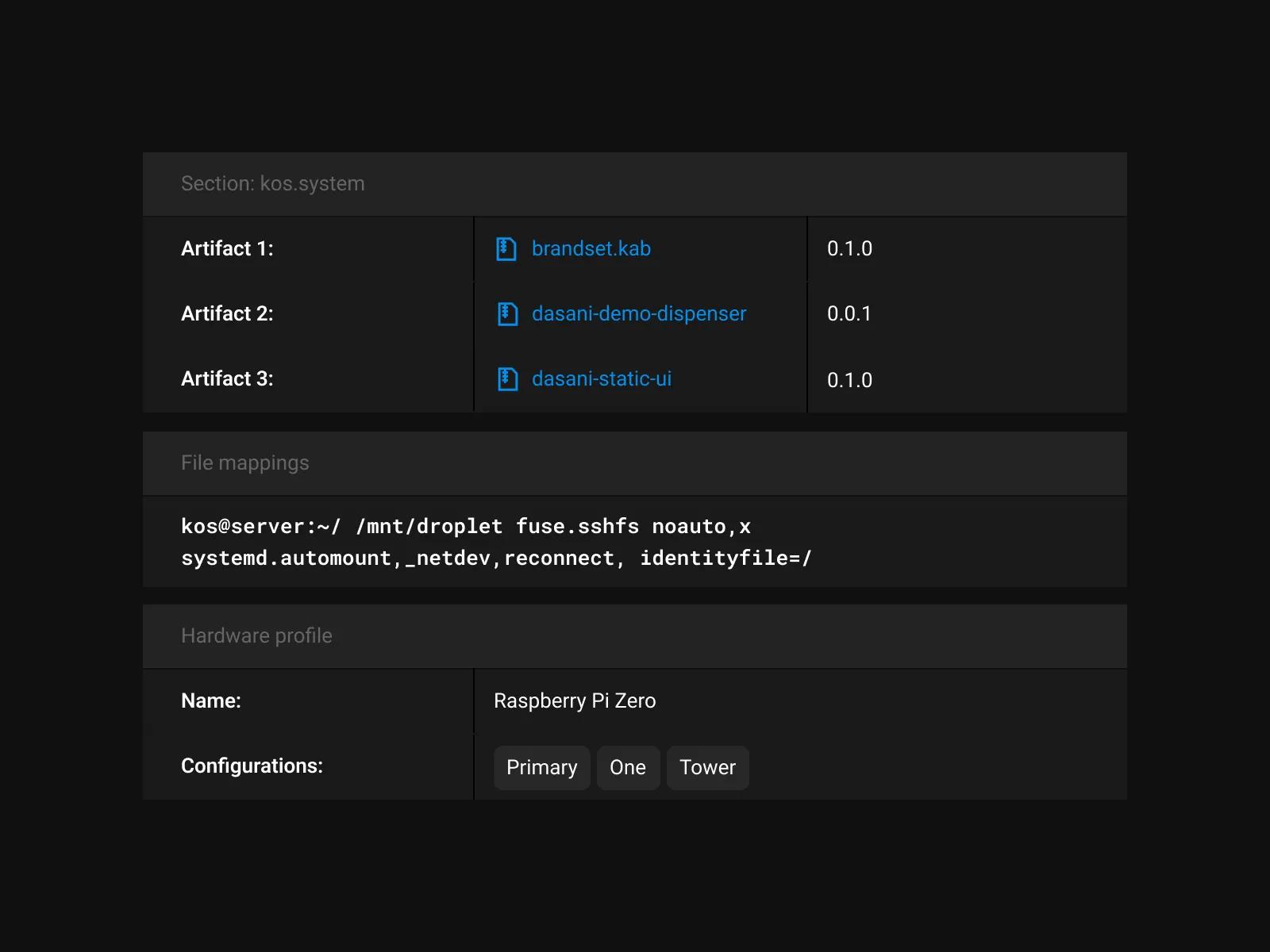
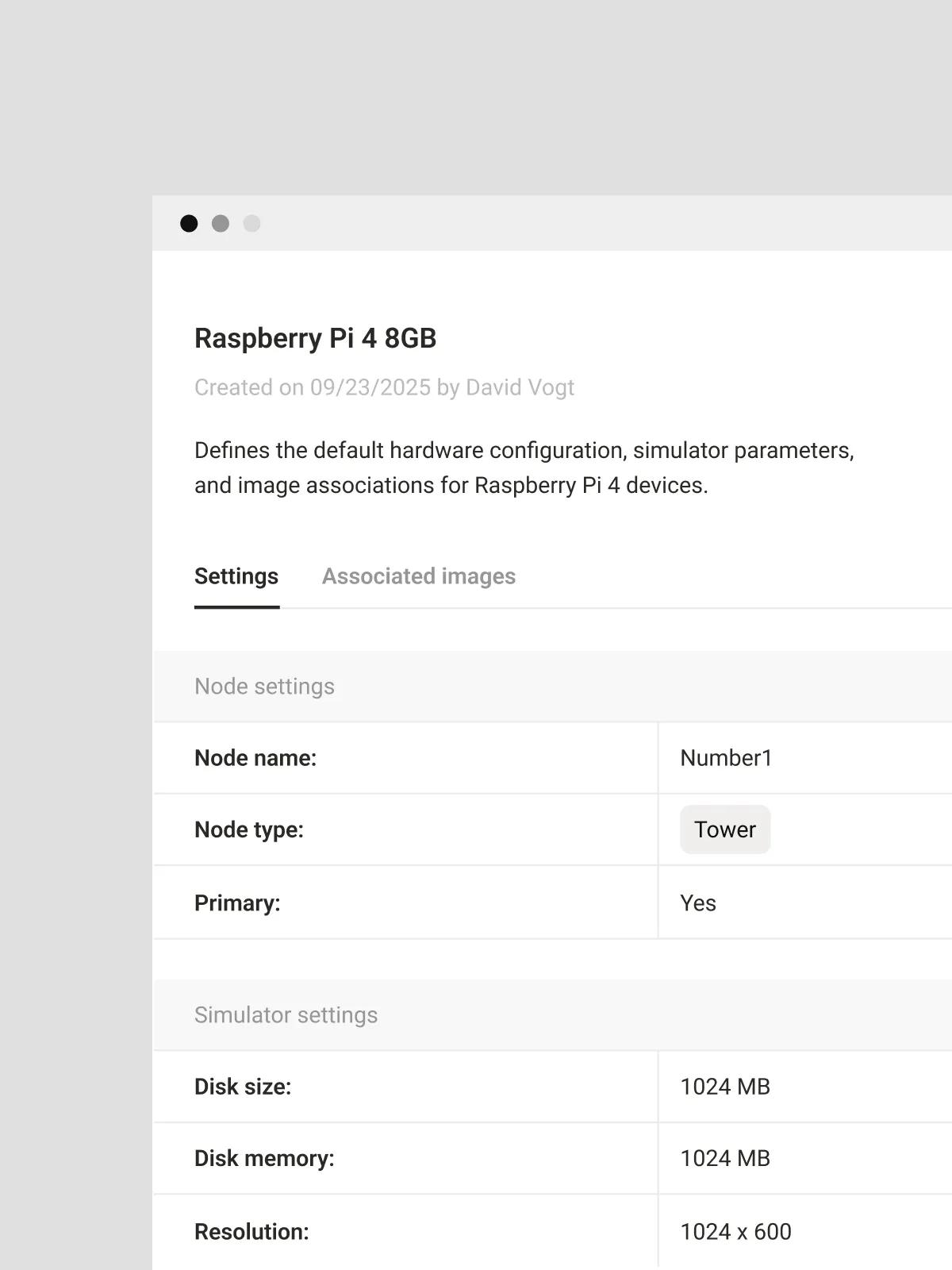
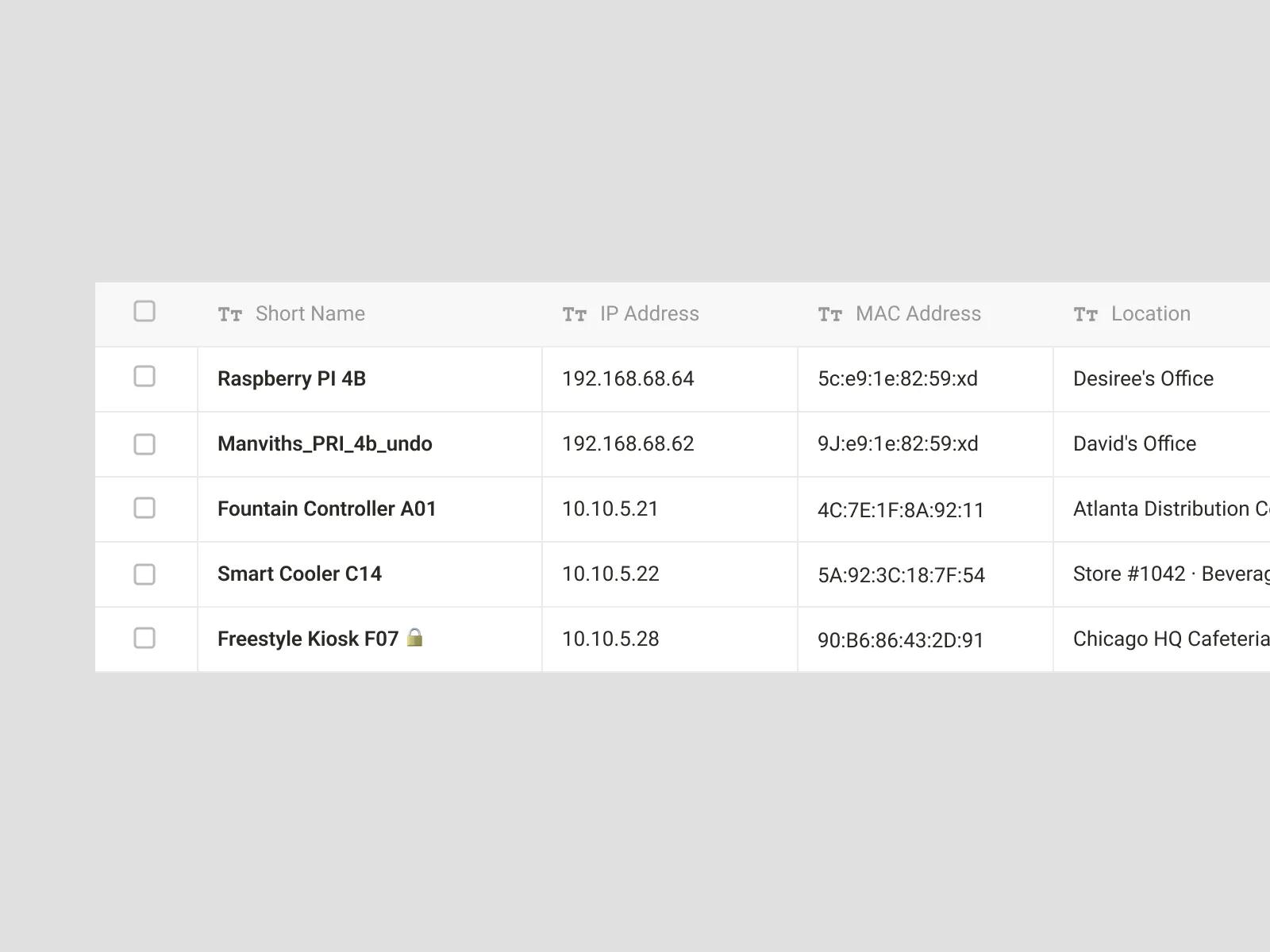
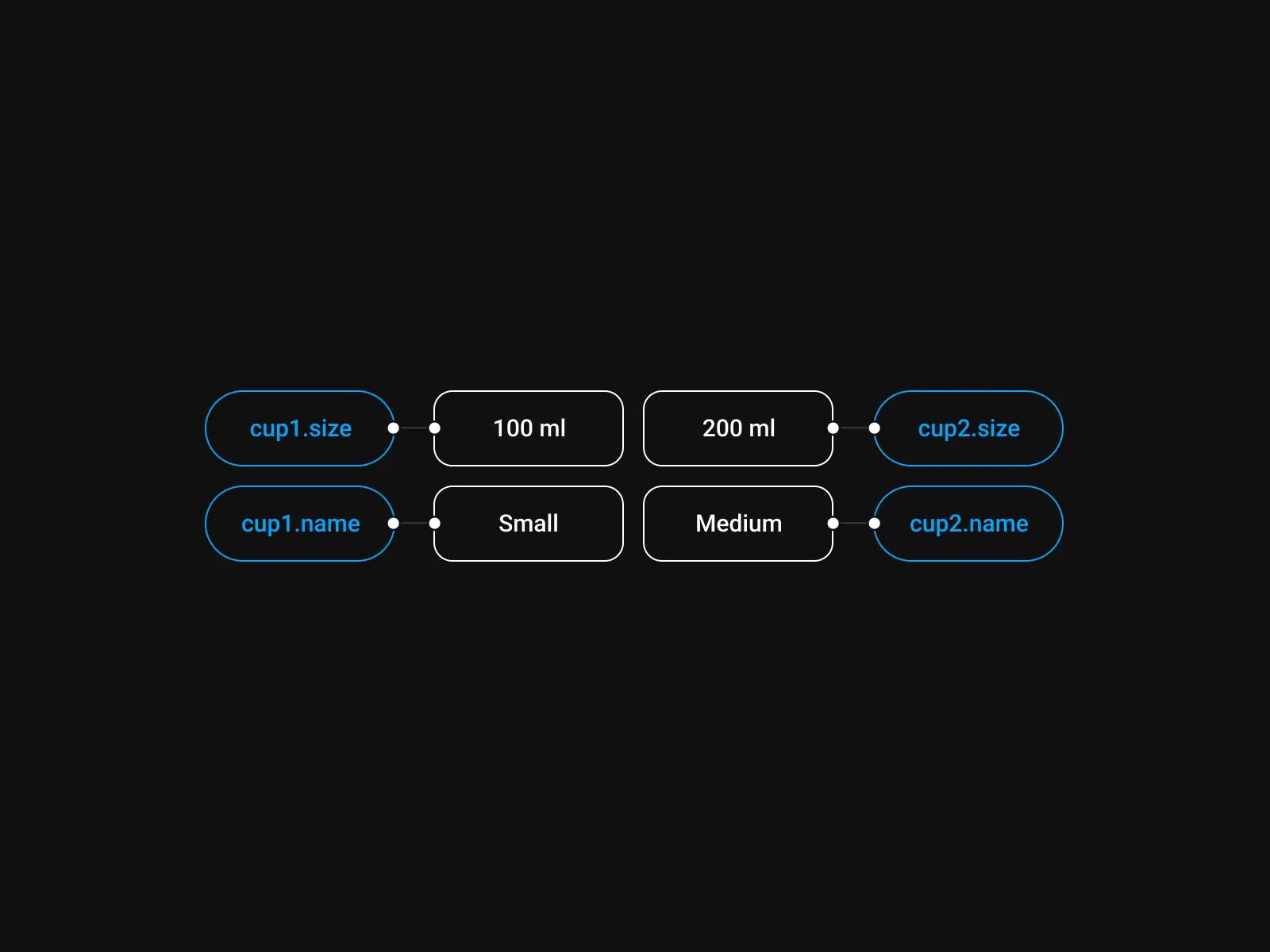
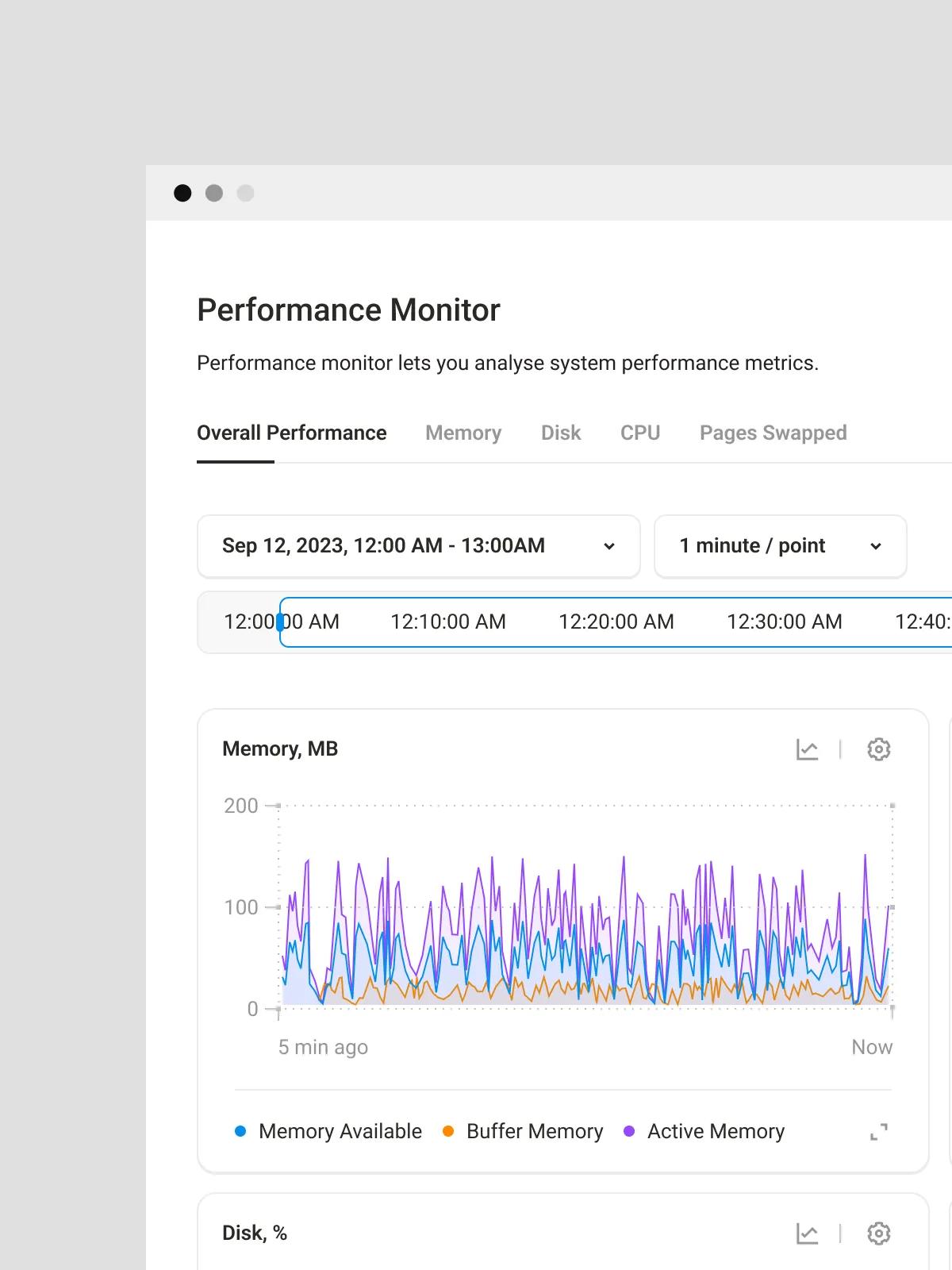
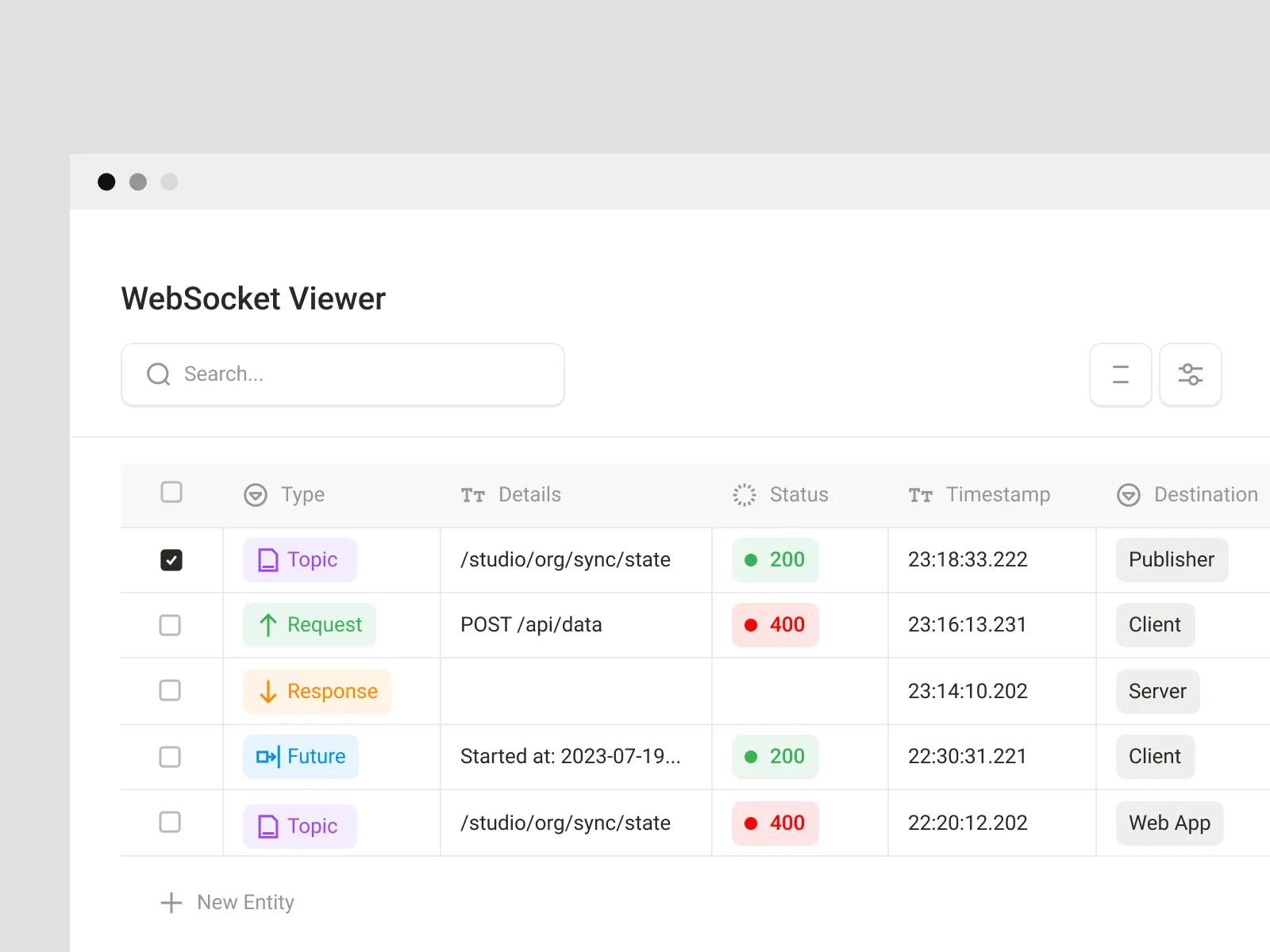
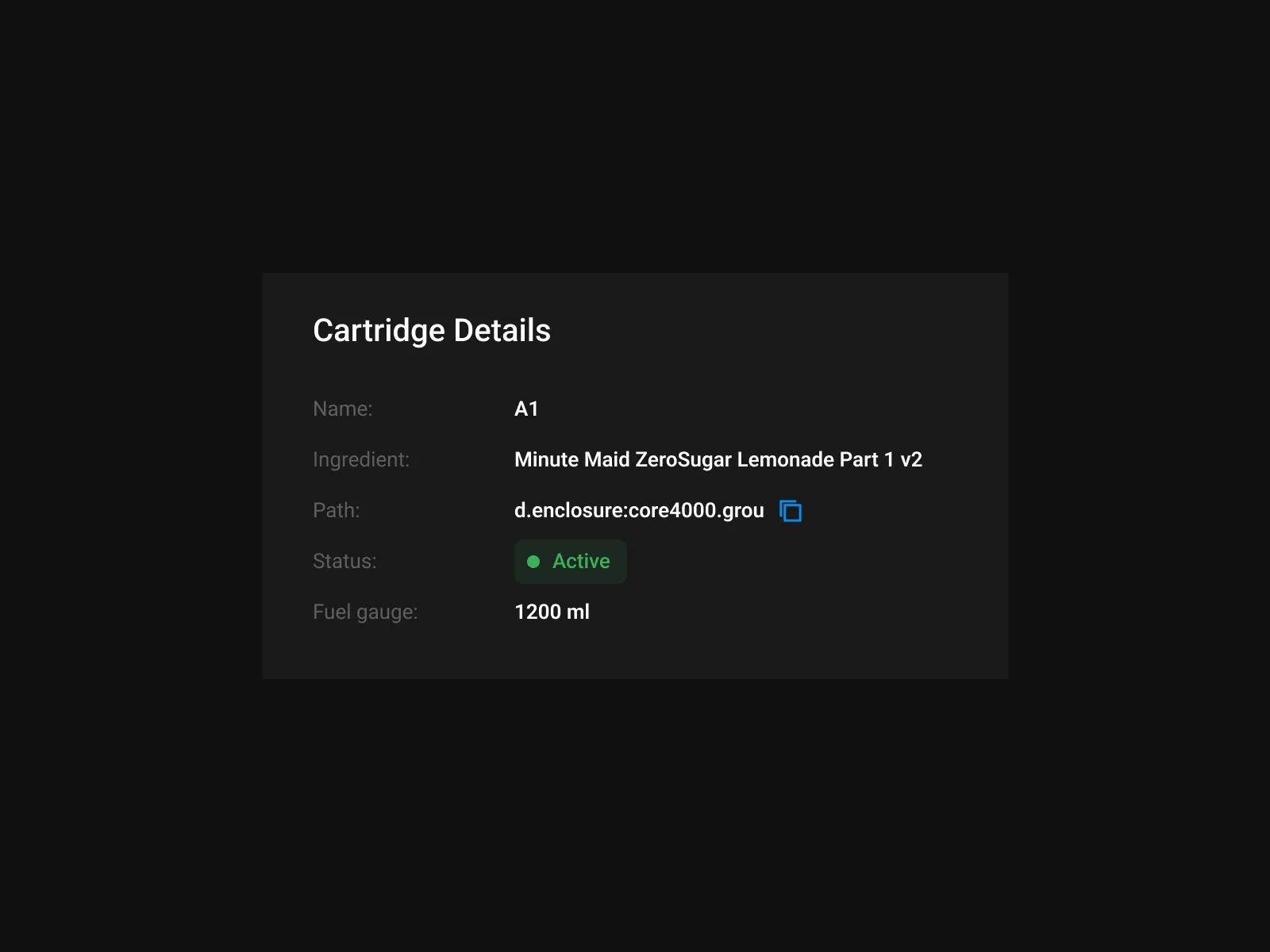
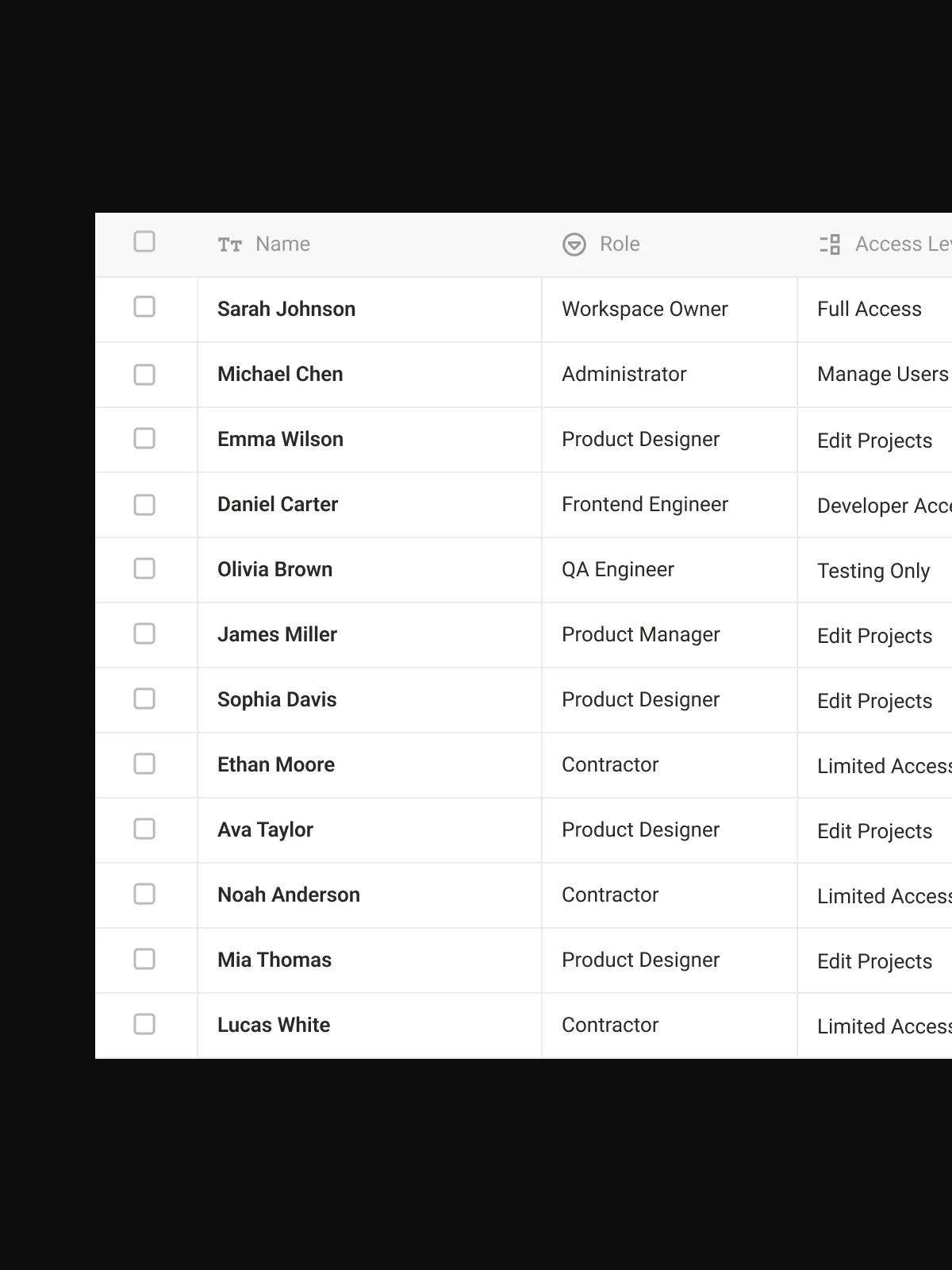
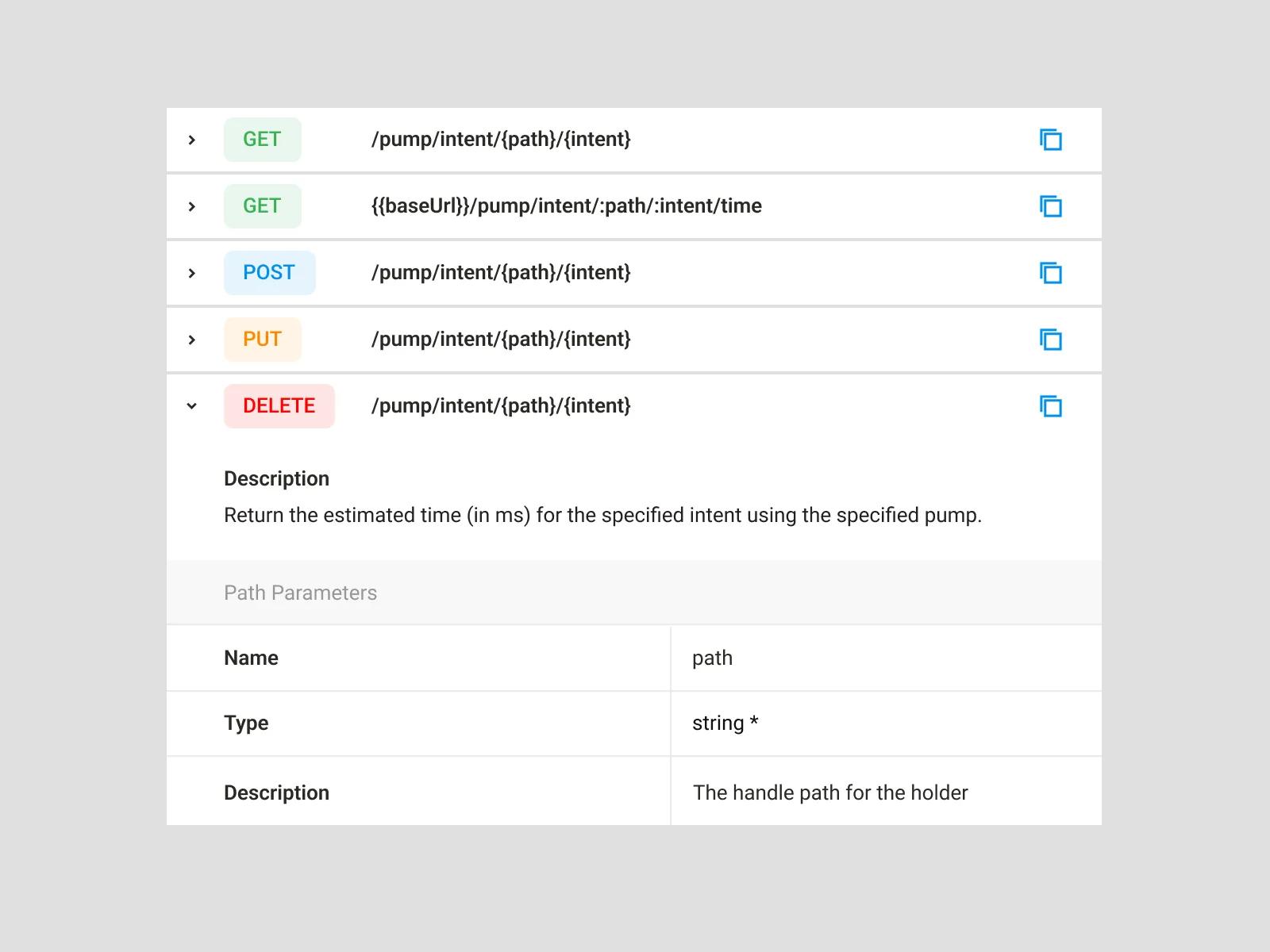
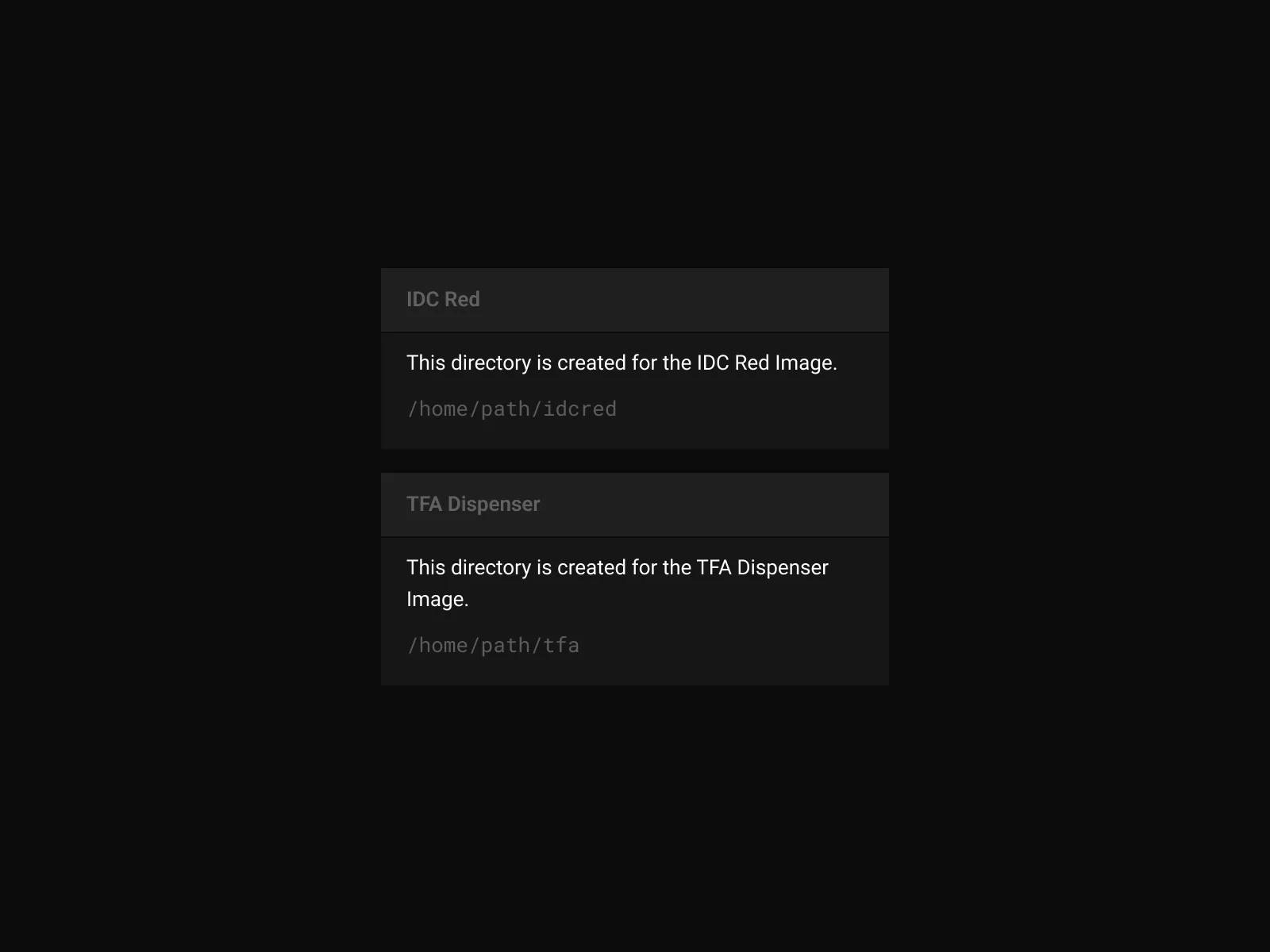
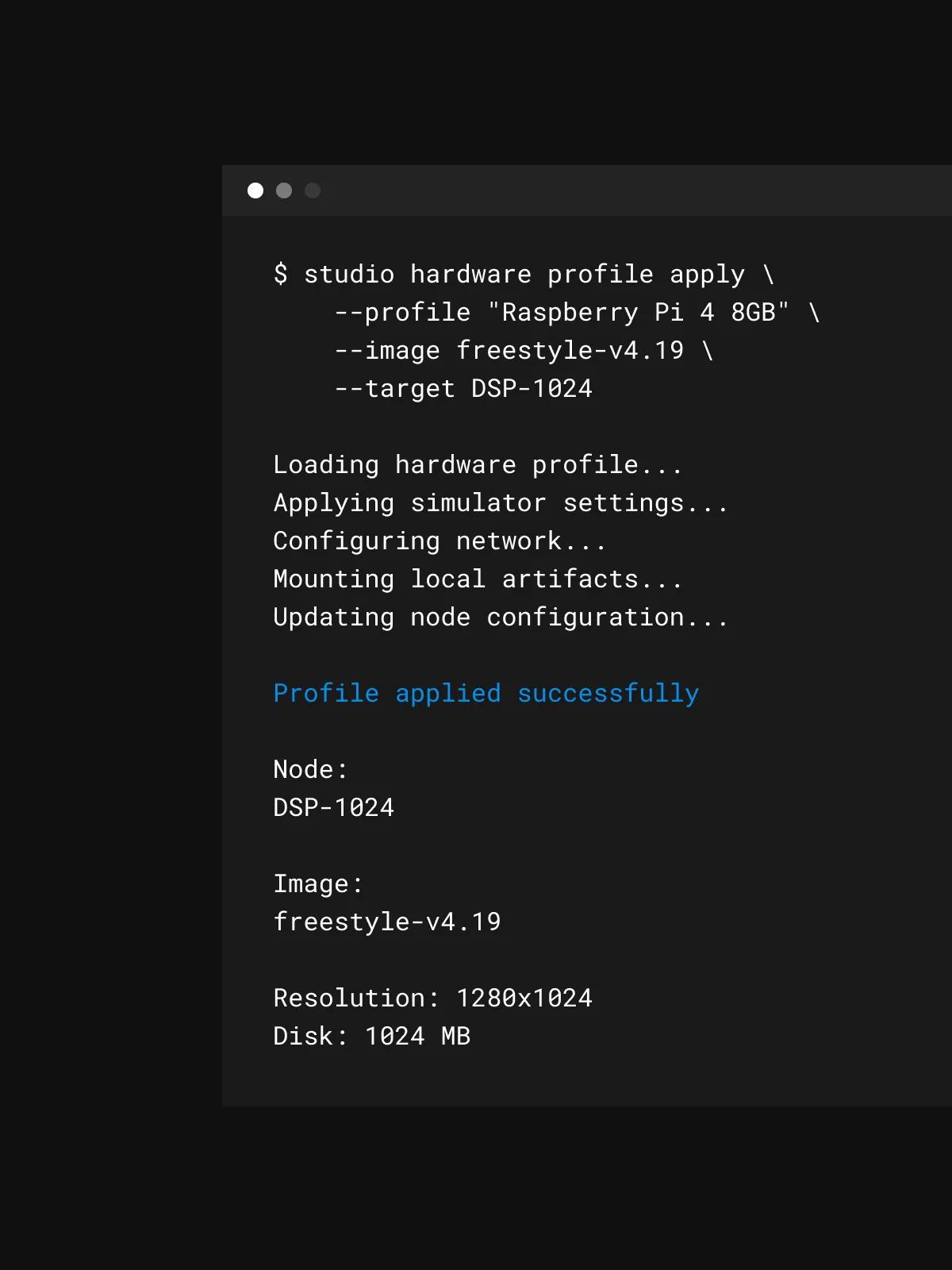
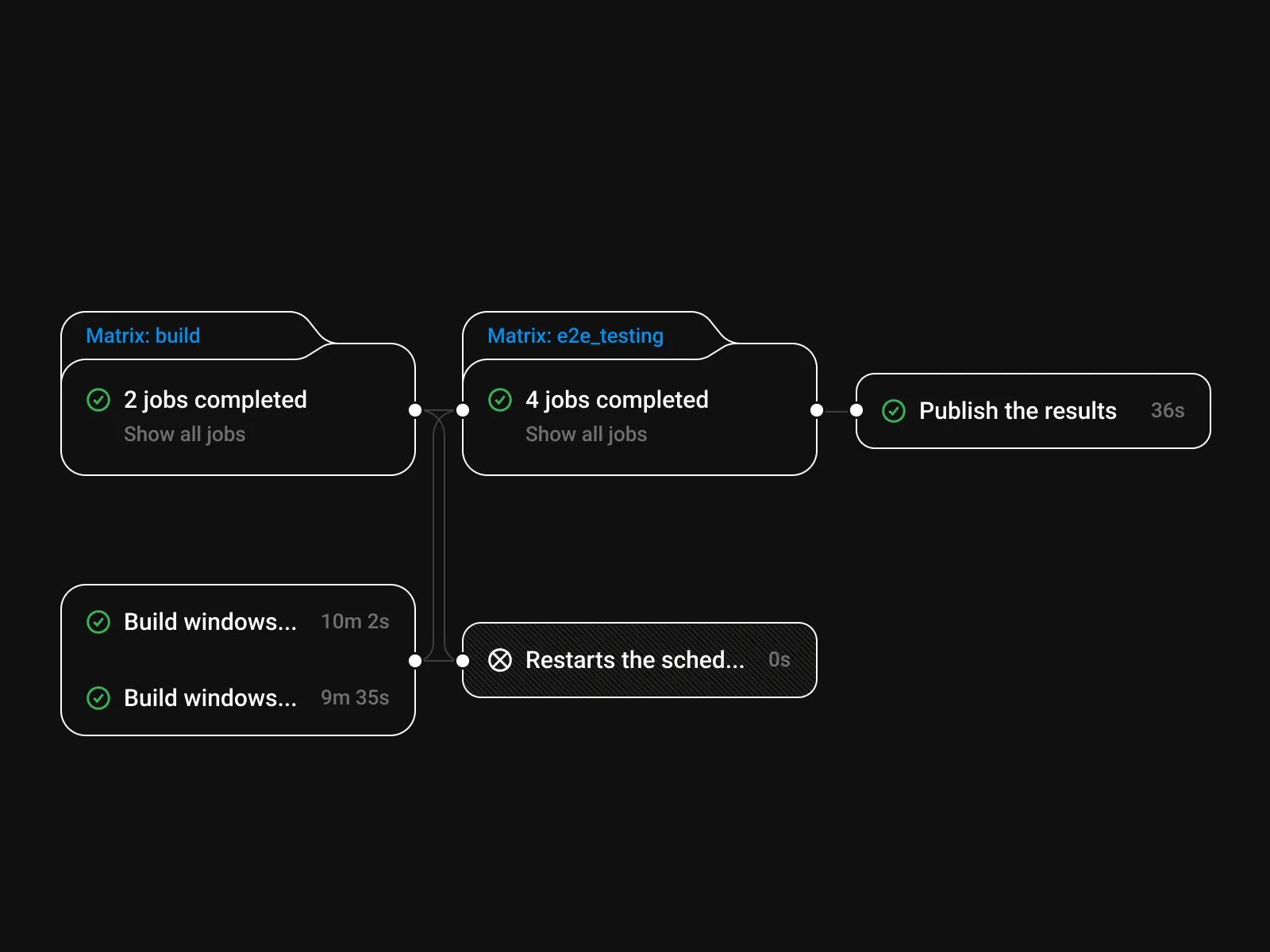
[✳]The fountain a customer stands in front of pours more than a hundred combinations, lets people mix their own, and is built so each pour is lighter on waste. None of that ships without the studio behind it. This is the environment the engineering teams use to build the machine software, try it before it touches hardware, and roll it out across a fleet. We designed that environment, working on top of the platform the development partner built. Here is what sits inside it.
Combinations from one machine
The full range, including flavour shots layered on top, chosen from a single touchscreen in whichever market the machine is installed.
Audiences in one design programme
The customer standing at the fountain and the engineer shipping software to it, designed together so both ends share a logic.
Studio surfaces designed
Device images, connection, simulation, team administration and the command line, pulled into one working environment.
Have a project
in mind?
Business Benefits
[✳]The consumer interface runs on the machines themselves, so the person using it is the customer standing at the fountain. They walk up, pick a drink, set flavour and size, and hold to pour, without staff involvement. Behind that, the studio is where the teams building these machines do their work: configuring a device, assembling a build, trying it on a simulator, and pushing it out to hardware.
Bringing both ends into one design programme means the thing the customer touches and the thing the engineers use share a logic. On the consumer side, one design language now covers the whole range and every market, so adding a brand, a flavour or a language slots into a pattern that already exists. On the builder side, the studio pulls the scattered steps of embedded development into one place: configure the hardware, assemble the software, simulate, connect to a device, and ship, with command-line tools that fit into existing automation. That shortens the distance between a change and a machine in the field, and it gives a team shared settings and practices rather than a per-person setup.
The result is a single design that runs from the fountain a customer pours from to the studio the engineers build it in, owned by the beverage company and its development partner and extended as the range and the fleet grow.
The team
[✳]Design Lead
Held the visual direction across both ends of the programme, so the machine a customer touches and the studio engineers work in read as one piece of design rather than two projects that happened to share a client. Took the front on the harder problems as they surfaced, from constraints coming back off the embedded platform to keeping a single language intact across every market.
Product Designer
Led product discovery, framing the consumer catalogue, markets and hardware constraints on one side and the developer workflow on the other into a clear scope. Shaped the journeys both audiences take, from a customer's first tap to a team shipping a build.
UX Designer
Designed the on-machine interaction, including the hold-to-pour gesture, the single-screen flavour and size choice, and the rinse-bottle step, and the studio workflows for device images, simulation, connection and deployment. Worked through edge cases such as language length, mis-taps, and the state of a device connection.
UI Designer
Built the visual system of liquid, brand-coloured buttons for the customer interface and carried its clarity into the studio's screens. Tuned every asset and animation to stay legible at arm's length and light enough to render on the machine's hardware.
Illustrator
Produced the illustrations for the internal configuration tool, mapping pumps, ingredients and finished beverages. Matched the customer-facing style while keeping the diagrams clear enough for engineers to read at a glance.

Frequently Asked Questions
[11]What is the purpose and value of product discovery?
Product discovery is a research-driven process that defines project direction, reduces risks, and ensures alignment with business goals before development begins. During discovery, teams clarify project goals, scope and requirements, and validate product ideas against technical feasibility, security compliance, and user experience expectations. By mapping user flows, building a roadmap, and involving specialists such as QA engineers early, product discovery supports informed decision-making and lowers the total cost of ownership of a digital product.
The purpose of product discovery is to define the right project direction before significant time and resources are invested in development. It helps teams clarify project goals, validate product ideas, understand user flows, and align the proposed solution with business objectives.
A research-driven discovery process also helps define scope and requirements, evaluate technical feasibility, estimate cost of ownership, and address security compliance. This supports more informed decision-making and creates a clearer roadmap for delivering a useful and viable product.
What are the typical steps and methodologies in the product discovery process?
The product discovery process typically combines market and user research, feature prioritisation, technical assessment, and prototyping. Common methodologies include design thinking, journey mapping, stakeholder workshops, user testing, and product analytics. Teams also perform technical feasibility assessment, risk assessment and mitigation planning, and validation of business and technical assumptions. The outcome of these activities is a set of strategic recommendations grounded in real user research rather than guesswork.
The product discovery process typically includes market and user research, problem definition, idea generation, feature prioritisation, technical feasibility assessment, prototyping, and user testing. These steps help teams understand user needs, evaluate opportunities, and determine which product ideas are worth pursuing.
Methods such as design thinking, journey mapping, product analytics, stakeholder workshops, and risk assessment support the process. Together, they help teams validate business and technical assumptions, reduce uncertainty, and develop strategic recommendations before committing to full development.
How is product discovery applied across different industries?
Product discovery services are adapted to the specific needs of each sector, including IT, finance, e-commerce, logistics, and digital services. In e-commerce, discovery may focus on checkout flows, personalised shopping, and content recommendations; in logistics, on real-time tracking, route optimisation, inventory management, and warehouse management; and in finance, on data protection regulations and security certifications. Regardless of industry, competitor analysis and market research help tailor the discovery approach to sector-specific requirements and regulations.
Product discovery is adapted to the specific needs, risks, regulations, and user expectations of each industry. In IT and digital services, discovery may focus on technical integrations, security certifications, and data protection regulations. In finance, it may place greater emphasis on compliance, security, and complex transactional workflows.
Other industries may use discovery to improve checkout flows, content recommendations, personalised shopping, inventory management, warehouse operations, real-time tracking, or route optimisation. Market research and competitor analysis help teams understand the context of each sector and design solutions that fit its operational and customer needs.
Who is involved in a product discovery team, and what are their roles?
A product discovery team usually includes a product owner, business analyst, product designer, software architect, project manager, and QA engineer, supported by domain experts and key stakeholders. Business analysts lead business process analysis and user needs research, designers focus on user experience, and software architects evaluate integration complexities and security frameworks. This cross-functional composition reduces team ramp-up time later in development and ensures every critical perspective is covered from the start.
A product discovery team usually includes a product owner or product manager, business analyst, product designer, software architect, project manager, QA engineer, and relevant domain experts. Stakeholders may also participate to provide business context, priorities, and feedback.
Each role contributes a different perspective. Business analysts examine processes and requirements, designers research user needs, architects assess integration complexity and technical feasibility, and QA engineers identify quality and security considerations. Bringing these roles together early can reduce team ramp-up time and improve alignment throughout the project.
What services are offered during the discovery phase?
Discovery phase services typically include market and competitor analysis, business process analysis, user needs research, and customer journey mapping. Teams also deliver experience design and prototyping, feature prioritisation, opportunity mapping, MVP scoping, and value proposition canvas workshops. On the technical side, discovery covers software architecture and technical planning, risk analysis, and the creation of a resource plan and budget estimates for the MVP and beyond.
Product discovery services often include market and competitor analysis, user needs research, business process analysis, customer journey mapping, and opportunity mapping. These activities help teams understand the market, identify user pain points, and define a clear value proposition.
The discovery phase may also include experience design and prototyping, feature prioritisation, MVP scoping, risk analysis, resource planning, and software architecture and technical planning. Together, these services establish what should be built, why it matters, and how the product can be delivered.
What are the deliverables and outcomes of the discovery phase?
The discovery phase produces tangible deliverables such as comprehensive documentation, an interactive prototype, a product roadmap with milestones, and detailed cost and time estimates. Additional outcomes may include technical feasibility studies, technical risk analysis, tech stack recommendations, proof-of-concept development, advanced analytics setup, and validated concepts. Clients receive regular updates throughout the process, so every decision is transparent and traceable.
Product discovery produces tangible deliverables that guide product strategy, design, and development. These may include comprehensive documentation, validated concepts, interactive prototypes, technical feasibility studies, technical risk analysis, and proof-of-concept development.
Teams may also receive a product roadmap, milestone plan, detailed cost and time estimates, tech stack recommendations, and plans for analytics setup. Regular updates throughout discovery help stakeholders understand progress, review findings, and make informed decisions before development begins.
How do I choose a product discovery service provider?
When choosing a product discovery service provider, look at their unique selling points, expertise, and client testimonials. Evaluate how they structure their discovery process stages, how they approach user and business research, user experience discovery, business process analysis, feature prioritisation, and opportunity mapping, and how they define MVP scope. A strong product discovery consulting partner helps resolve stakeholder misalignment, uncovers user pain points through user needs research, and ties every recommendation back to measurable business value.
A product discovery service provider should be selected based on its expertise, discovery process, industry knowledge, and ability to connect user research with business and technical planning. The provider should be able to explain how it approaches user and business research, user experience discovery, feature prioritisation, opportunity mapping, and MVP scope definition.
It is also important to assess how the provider handles business process analysis, stakeholder misalignment, and user pain points. Relevant case studies, client testimonials, and a clearly structured product discovery consulting process can help demonstrate whether the provider has the experience needed for the project.
Are there case studies that show the impact of product discovery?
Yes — real-world case studies illustrate how effective product discovery services translate into successful products. Examples include a cloud-based, innovative brokerage application, a custom system to support a carsharing service, and a web platform development and CRM migration project. Across these cases, activities such as expert audits, workshops, solution shaping, concept building, solution prototyping, interface design, technical design, usability testing and audits, and building success metrics helped teams launch with confidence.
Product discovery case studies show how research, workshops, prototyping, and validation activities contribute to successful product outcomes. They may demonstrate how teams used expert audits, concept building, solution shaping, interface design, technical design, and usability testing to address a specific business or user problem.
Examples may include developing a cloud-based brokerage application, creating a custom system for a carsharing service, or supporting web platform development and CRM migration. These cases help illustrate how discovery decisions can be connected to measurable success metrics and stronger implementation outcomes.
What are the benefits of a discovery-first approach?
A discovery-first approach improves project success rates, optimises resource allocation, and enhances alignment with user needs. Benefits include reduced risk through early risk assessment, cost optimisation, data-driven and evidence-backed decisions, and an in-depth understanding of goals and outcomes. Teams gain expert insights and user insight that lead to a prioritised roadmap focused on high-impact features, strategic recommendations, and a smoother path to iterative development.
A discovery-first approach helps teams understand goals, users, risks, and expected outcomes before moving into full development. This leads to more evidence-backed decisions, better cost optimisation, and more effective allocation of time and resources.
By combining user insight, expert analysis, risk assessment, and strategic recommendations, teams can focus on high-impact features and create a prioritised roadmap. This reduces risk, supports iterative development, and improves the likelihood that the final product will meet both user needs and business objectives.
Why is the discovery phase important in digital product development?
The discovery phase is important because it sets the direction of a digital product before any code is written. Through a research-driven process, the team defines project goals, scope and requirements, and validates product ideas against real user needs and market conditions. This early work reduces risks such as building the wrong features, missing security compliance requirements, or discovering technical feasibility problems mid-development. The result is a clear roadmap that keeps the entire project aligned with business goals and lowers the long-term cost of ownership.
How does product discovery help reduce risks and align a project with business goals?
Product discovery reduces risks by replacing assumptions with evidence. Teams validate product ideas, check technical feasibility, and confirm security compliance early, while mapping user flows and testing user experience concepts before committing budget to development. Involving specialists such as QA engineers from the start surfaces quality and integration issues sooner, supporting informed decision-making at every step. By tying scope and requirements directly to project goals and documenting them in a shared roadmap, discovery ensures that every feature the team builds serves a measurable business objective — which keeps timelines predictable and the total cost of ownership under control.