Easy-to-use Trading App for First-Time Investors
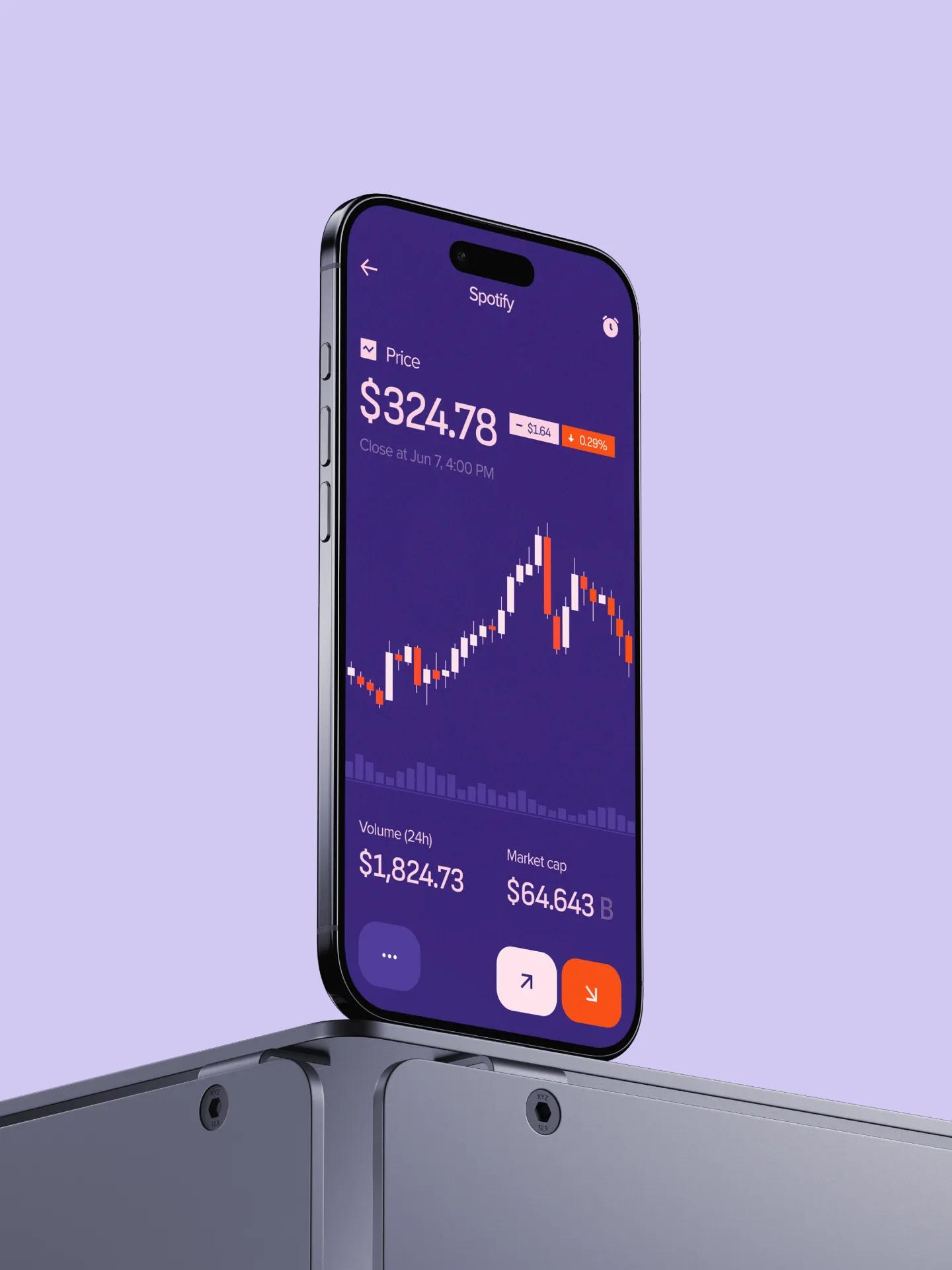
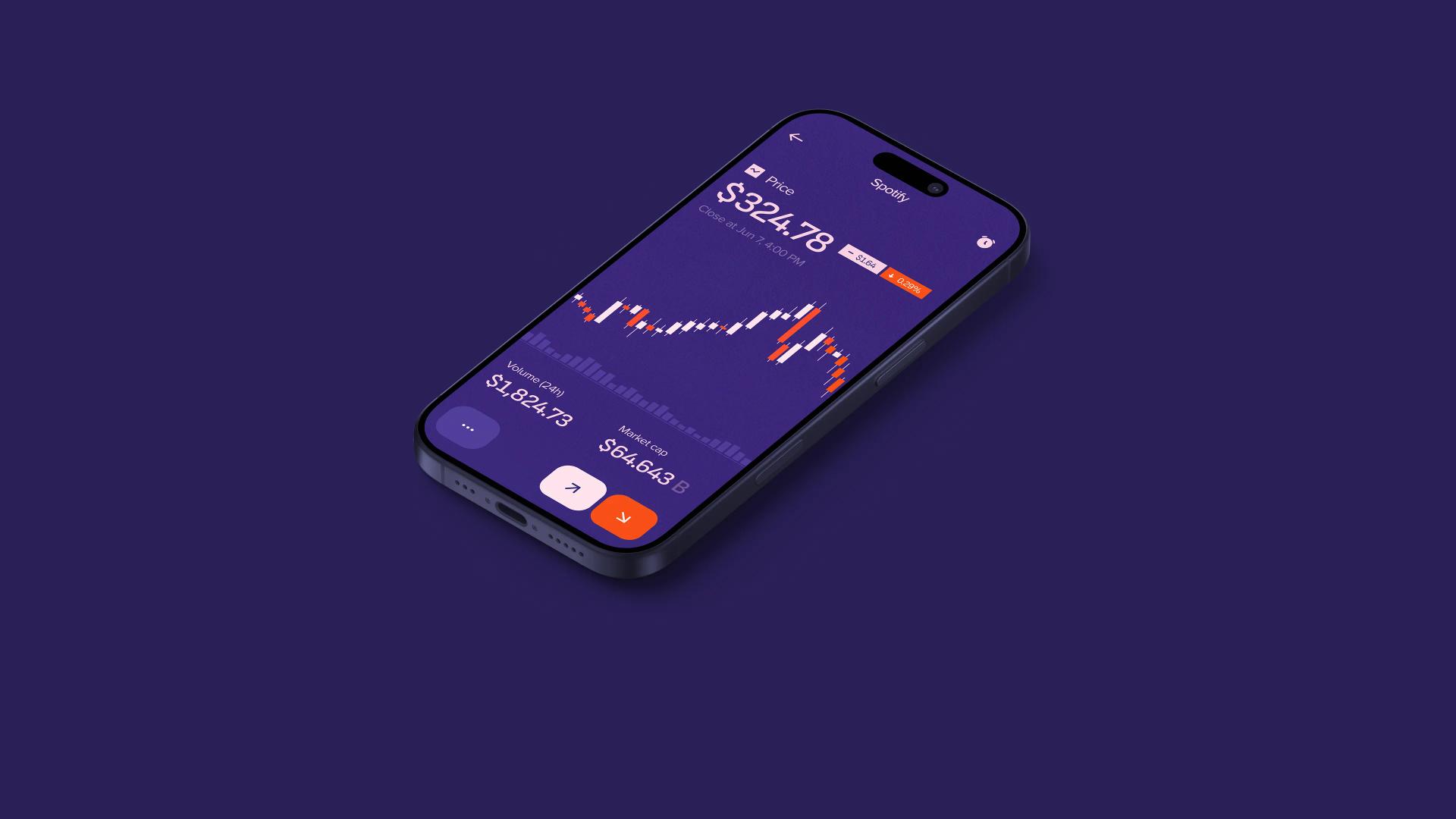
A mobile trading product built to make investing approachable for people opening their first brokerage account, without thinning out the experience for users who already know what a limit order is. The app pulls stocks, mutual funds, and bonds into a single account, layers in live portfolio metrics and educational content, and uses each user's goals and risk profile to surface recommendations alongside real-time market data. The work was scoped for a pre-launch, pre-investment build: ready to demo to investors and ready to ship to a closed beta.
Solution
- Pre-seed Fintech Startup
- Consumer Investing
Services
- UX Design Service
- Mobile App Development Services
- Development Team Augmentation
Credits
- Lead UX Designer
- UI Designer
- Mobile Developers (2)
- Backend Developer
- Product Manager
- QA Engineer
The Challenge
[✳]Retail trading apps tend to fall into one of two camps. Either they're built for beginners and treat the user like they can't be trusted with a chart, or they're built for power users and assume you already know the difference between a market and a stop order. The founders had spoken to enough first-time investors to know neither approach was working: people were either bouncing off complexity or getting bored once they understood the basics and wanted more depth. The brief was to build something that could hold both audiences without forking the product.
A few obvious paths got ruled out early. White-labelling an existing brokerage SDK would have shipped faster but locked the product into someone else's information architecture, which was the exact thing the founders wanted to escape. Going the other direction and building a heavily gamified beginner app risked alienating the experienced segment and inviting comparisons to products the team didn't want to be compared to. The middle path, building a custom interface on top of standard market data feeds, was harder but the only one that left room for the personalisation layer to do real work.
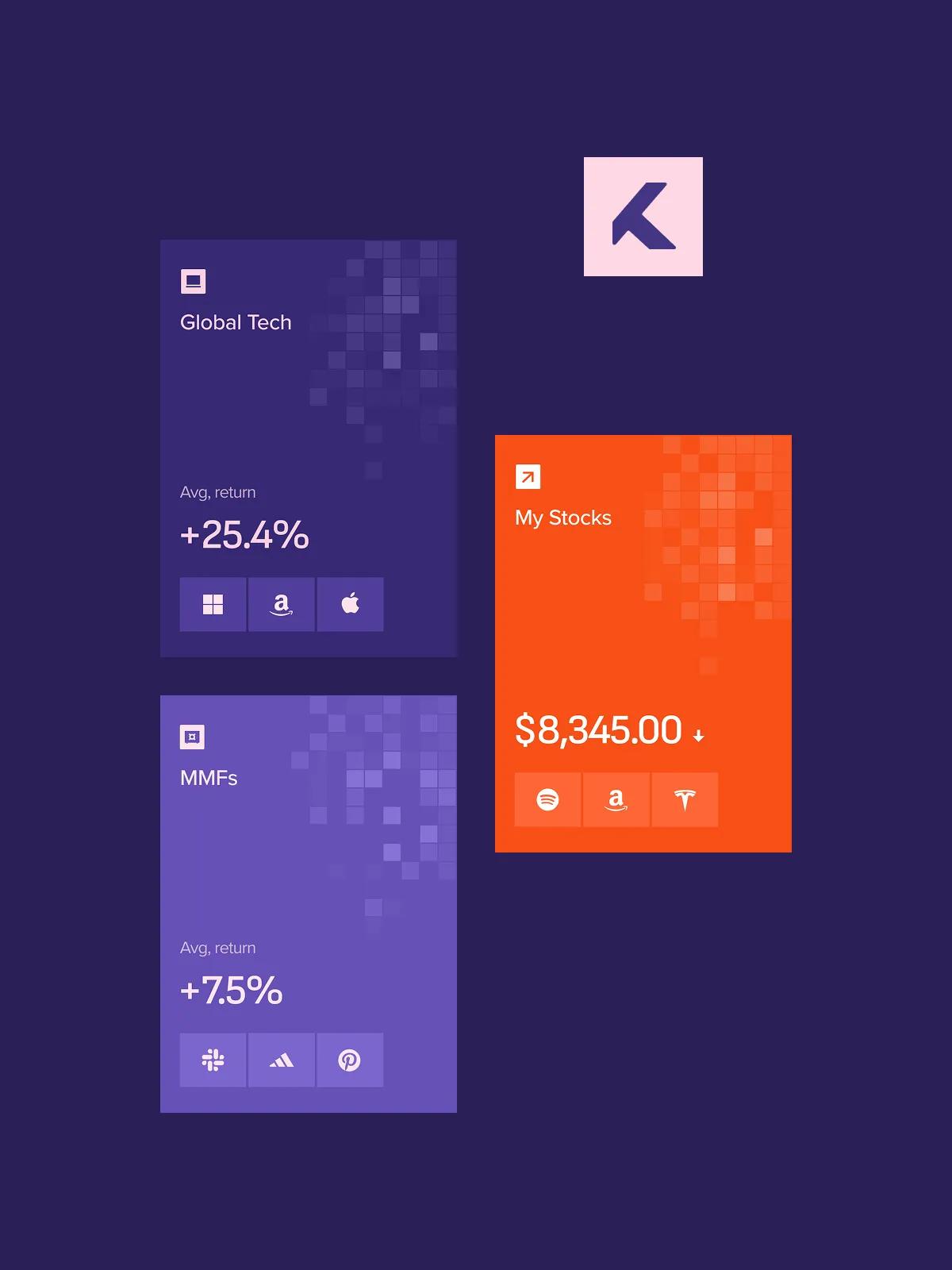
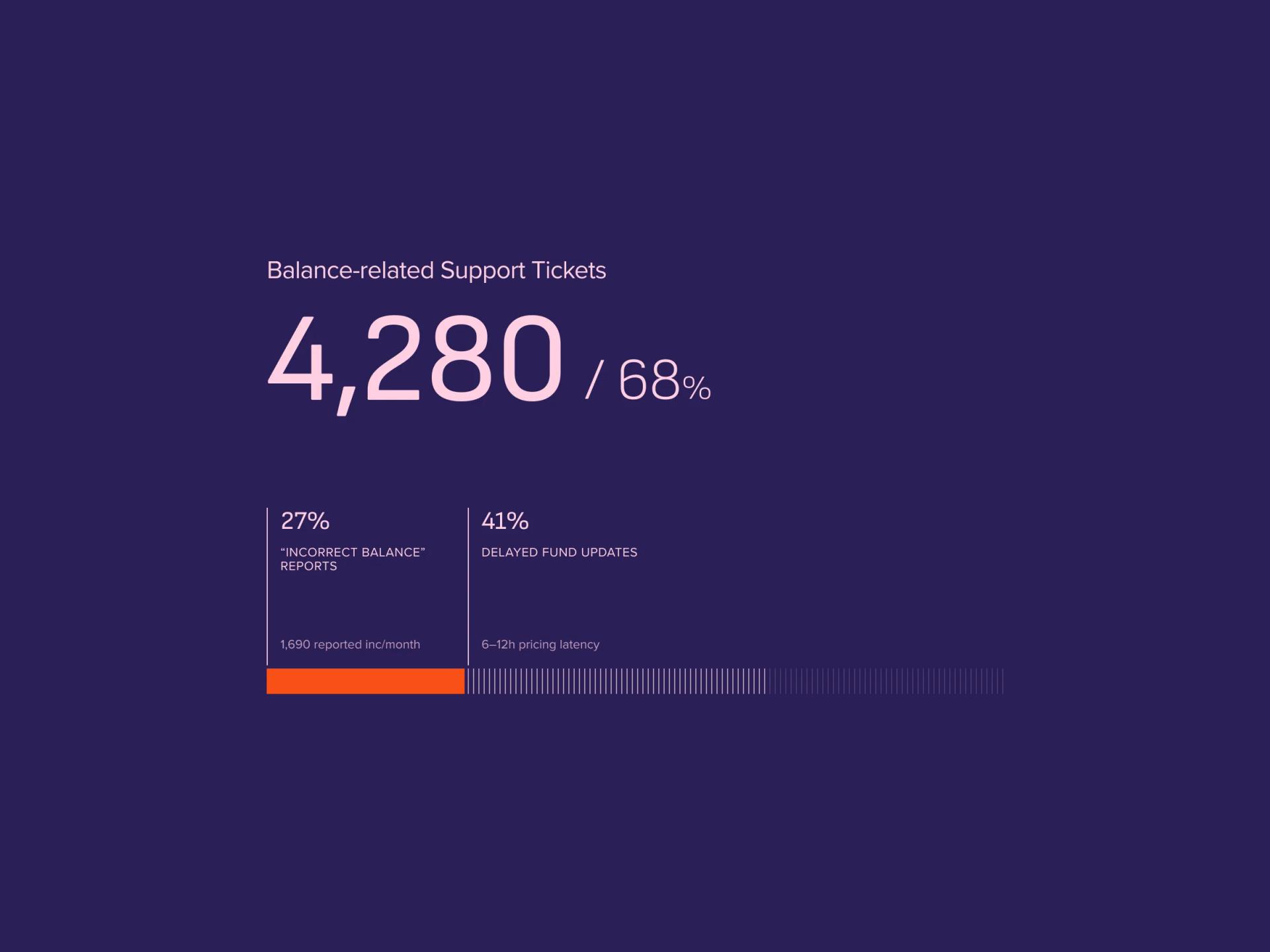
Most retail apps specialise. Mixing equities with mutual funds and bonds in a single portfolio view meant reconciling three different settlement models, three different update cadences, and three different ways of expressing performance, all without the user noticing the joins.
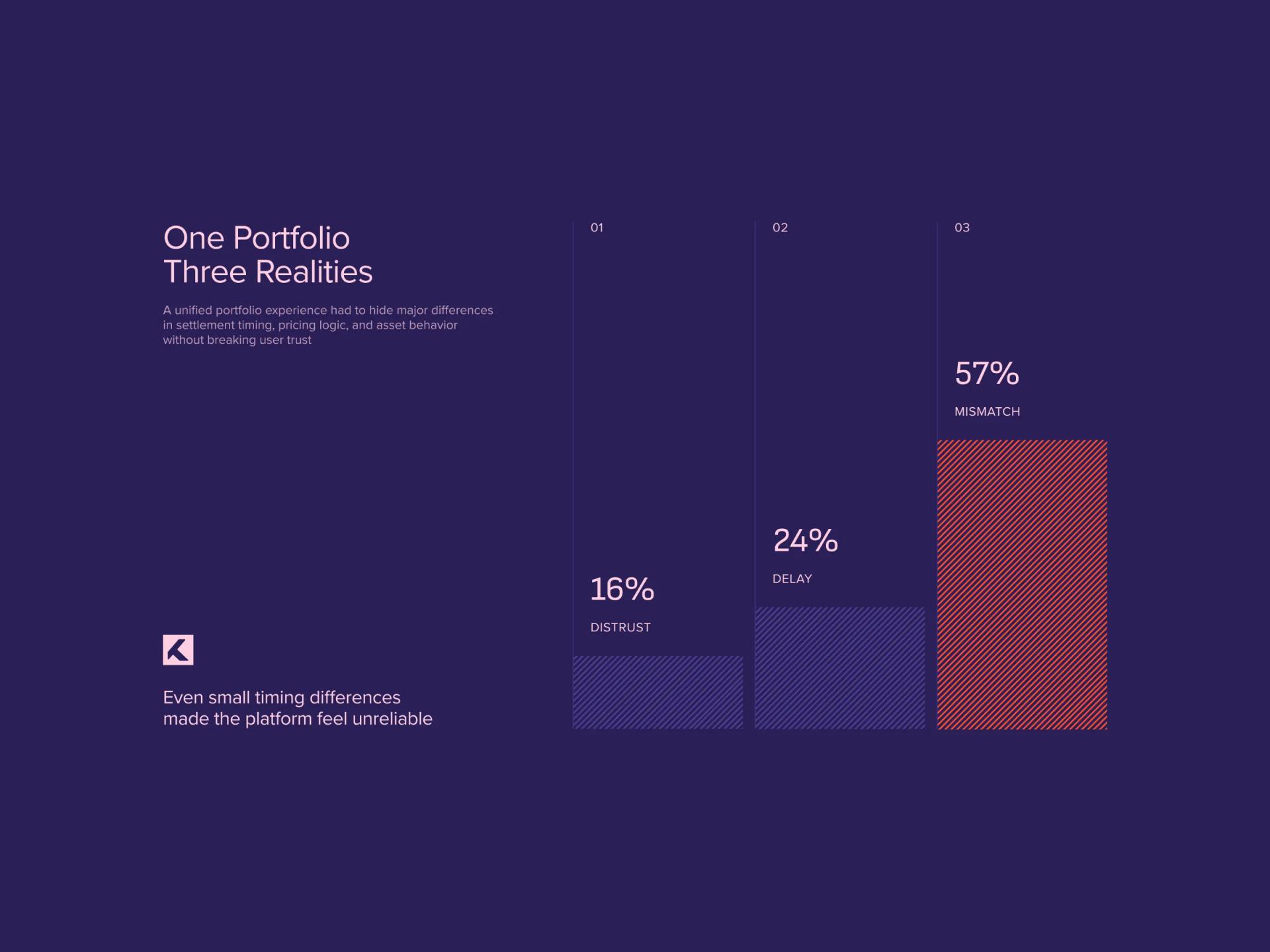
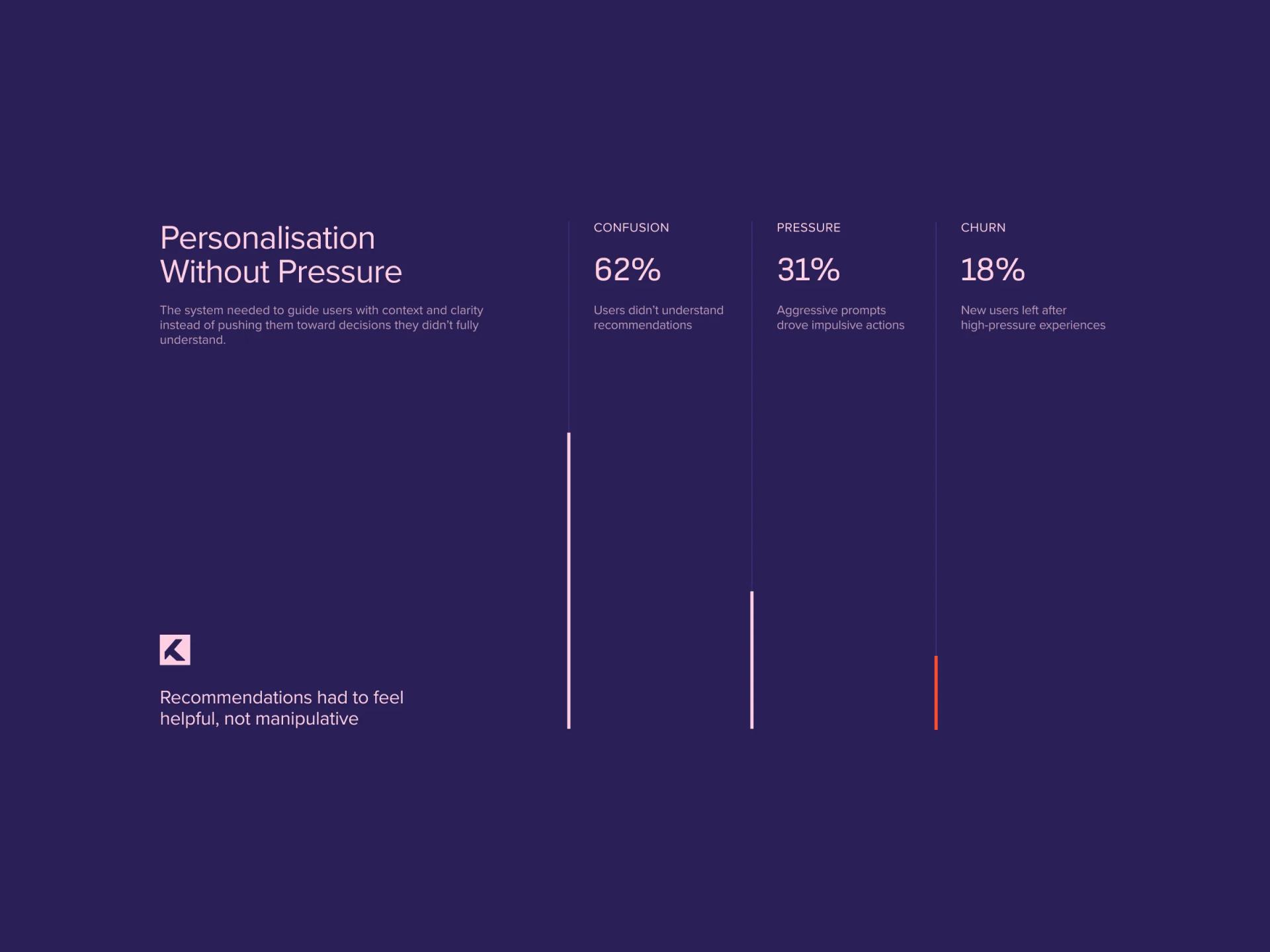
The recommendation engine had to be useful enough to justify its presence on the home screen without nudging users into trades they didn't understand. Getting the tone of a recommendation right turned out to be as much a copy and UX problem as an algorithm problem.
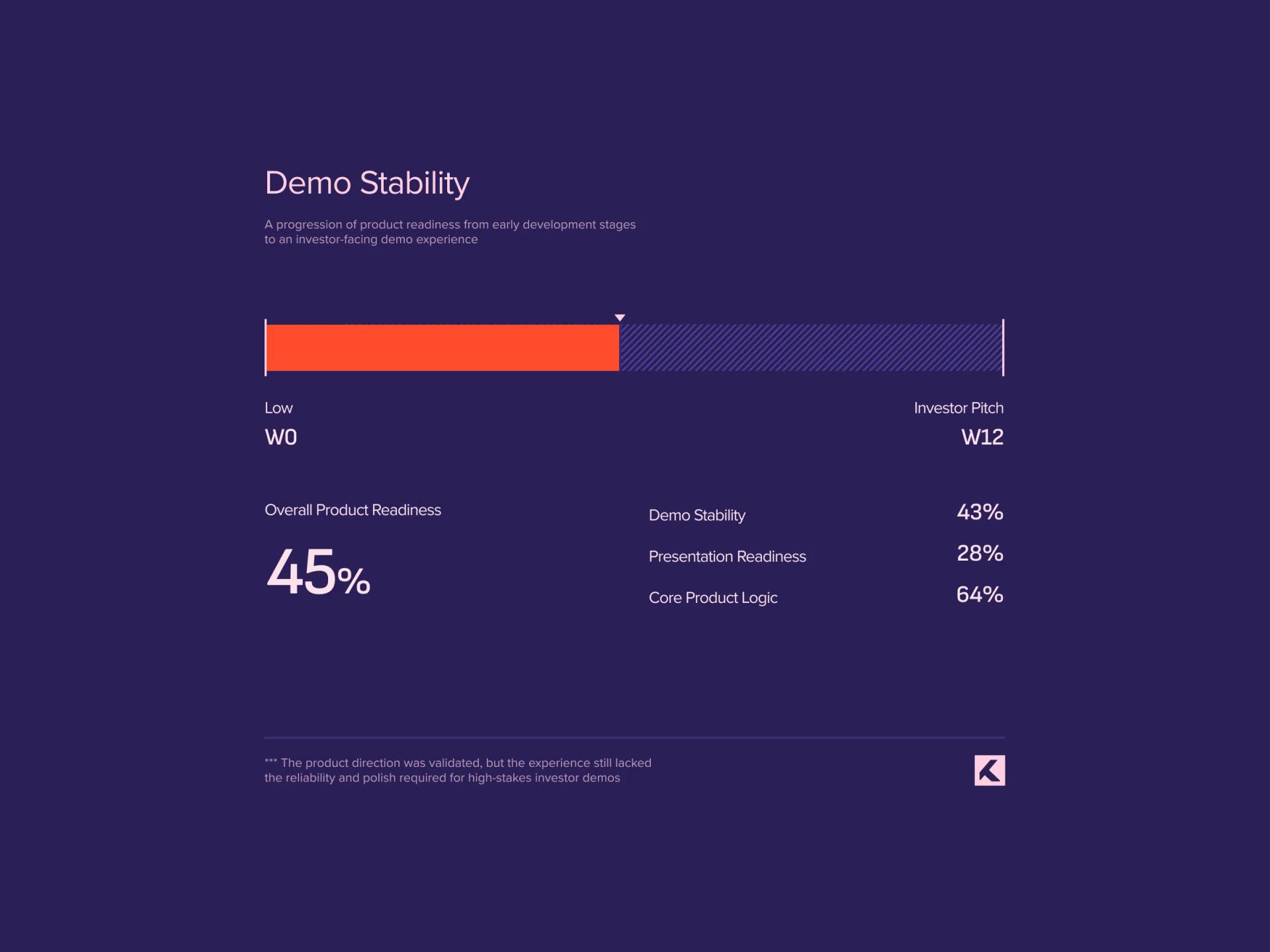
Investor conversations were already on the calendar. The build needed to feel like a product, not a clickable mock, which set the bar for both engineering quality and the polish of every screen anyone might tap during a pitch.
The Solution
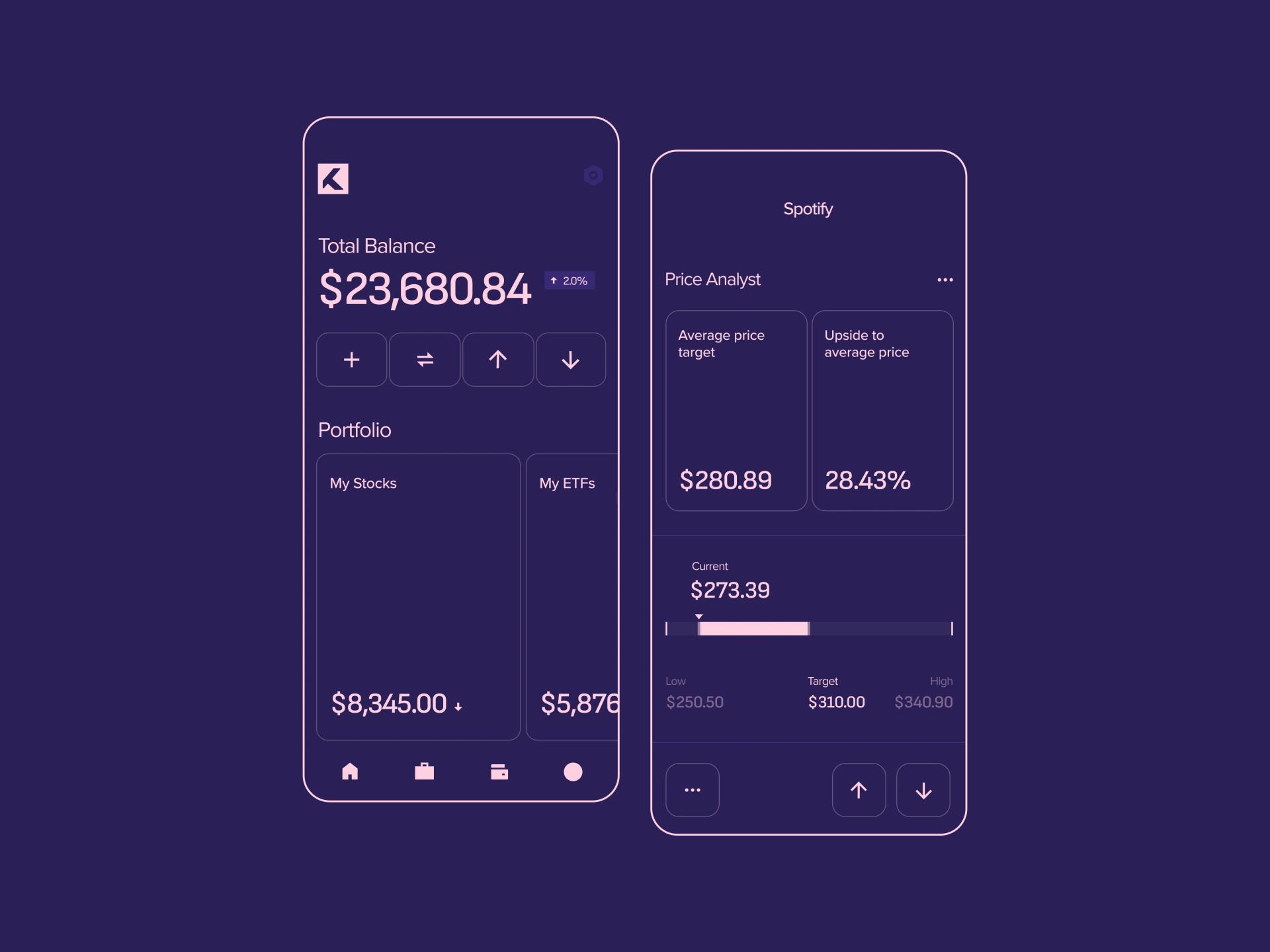
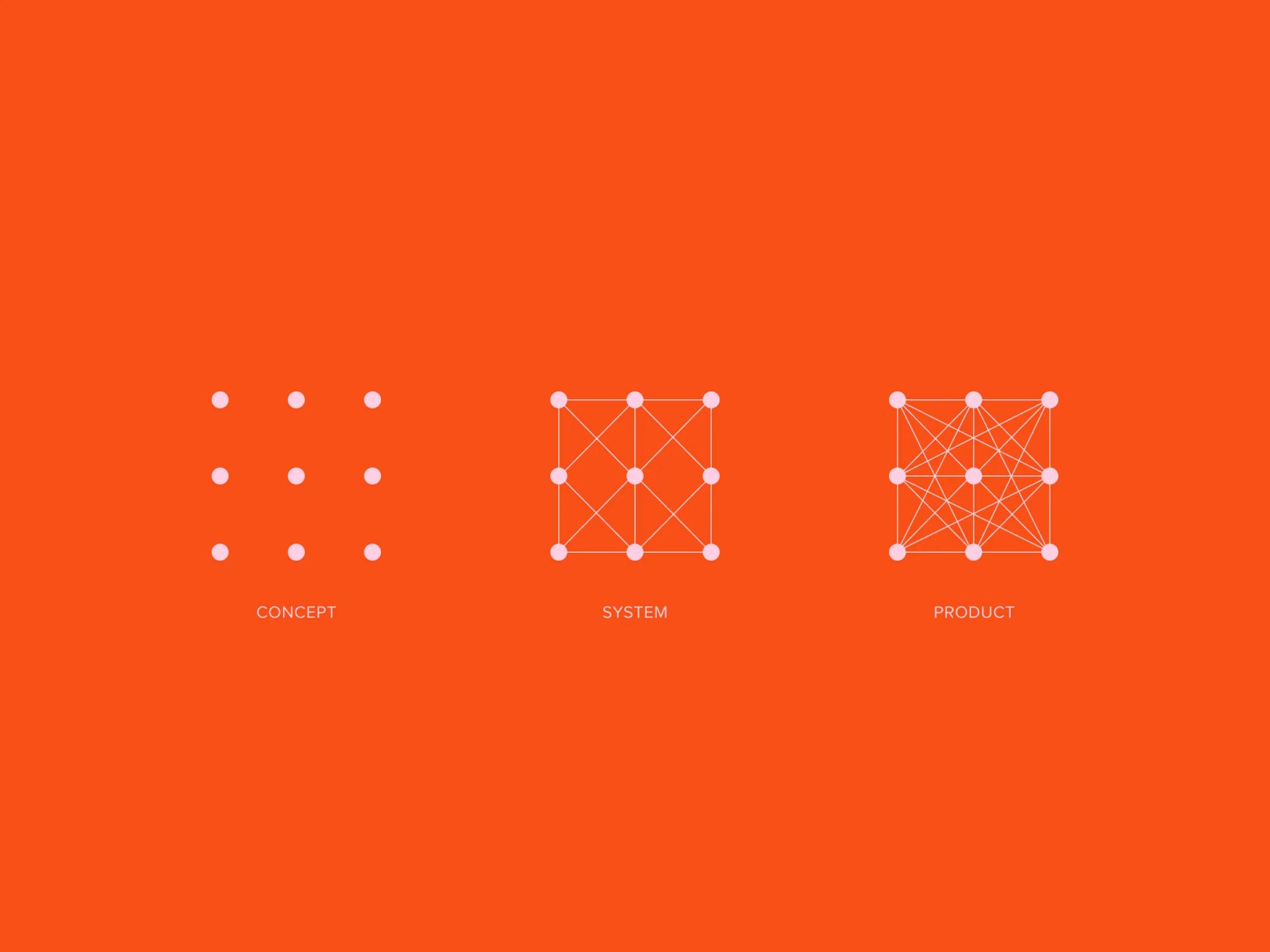
[✳]Discovery started with two parallel tracks: interviews with first-time investors to understand where existing apps lost them, and a teardown of incumbents to map which conventions were worth keeping and which were worth breaking. The output was a single product flow that exposed depth progressively. New users see a clean home screen with their portfolio and a few suggested actions; experienced users can drill into order types, charting, and historical breakdowns without leaving the same screens. Nothing is hidden behind a beginner mode toggle, because the toggle itself was the thing we wanted to avoid.
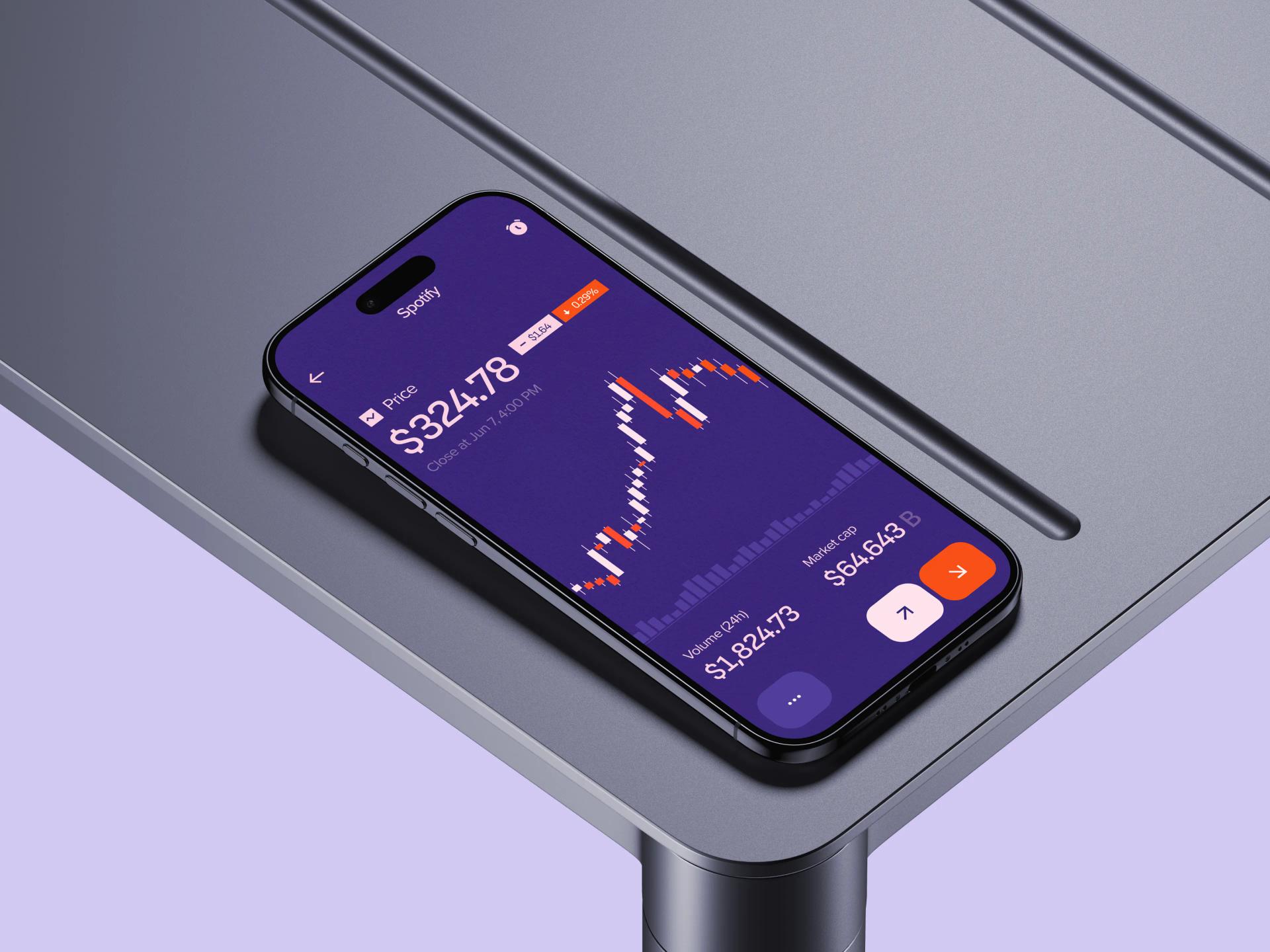
UX Design carried the heaviest load early on. The team mapped flows for account opening, first trade, recurring investments, and portfolio review, then tested them with users at both ends of the experience spectrum. Findings fed directly into the information architecture: the home screen, the asset detail view, and the order ticket each went through several iterations before the patterns settled. The personalisation surface was treated as a UX problem first, with the team designing the recommendation cards, the explanation patterns, and the dismissal behaviour before any algorithm was wired in. By the time engineering picked it up, the rules for when a recommendation could appear, what it had to say, and how it had to be justified were already written down.
Mobile App Development Services delivered the build itself, working from the design system through to a functioning app with live market data, account simulation, and the full trading flow. The codebase was structured so the three asset classes shared one portfolio engine and one transaction history, with class-specific logic kept in adapters rather than scattered through the UI. The Development Team Augmentation arrangement put our engineers alongside the founders' technical lead and a contract backend developer, covering iOS, Android, and the integration work that connected the app to the market data provider and the brokerage API. Working as an extension of the client team, rather than a vendor handing over a deliverable, meant decisions about scope and trade-offs happened in the same standups as everything else.
Custom Trading App Features
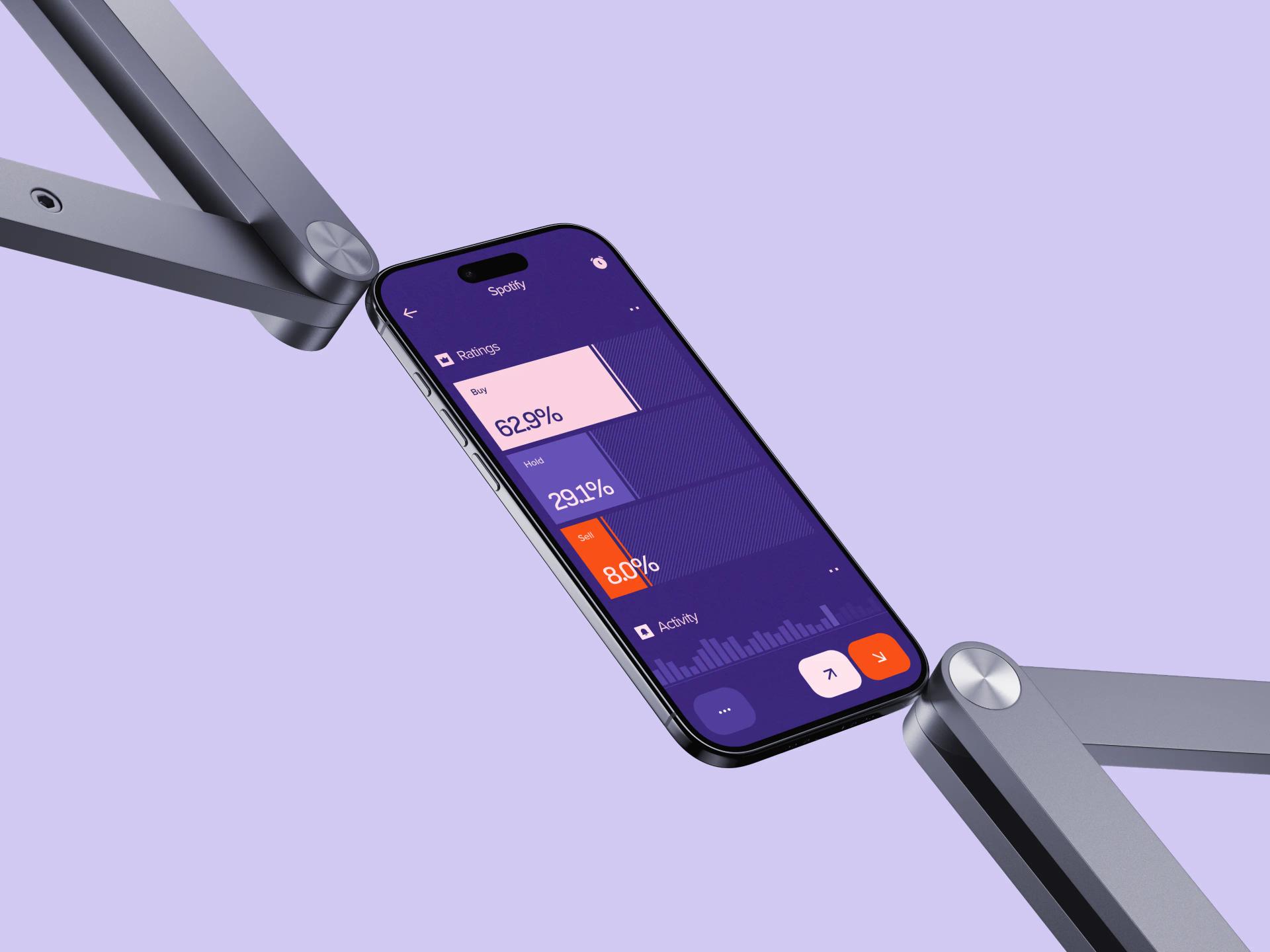
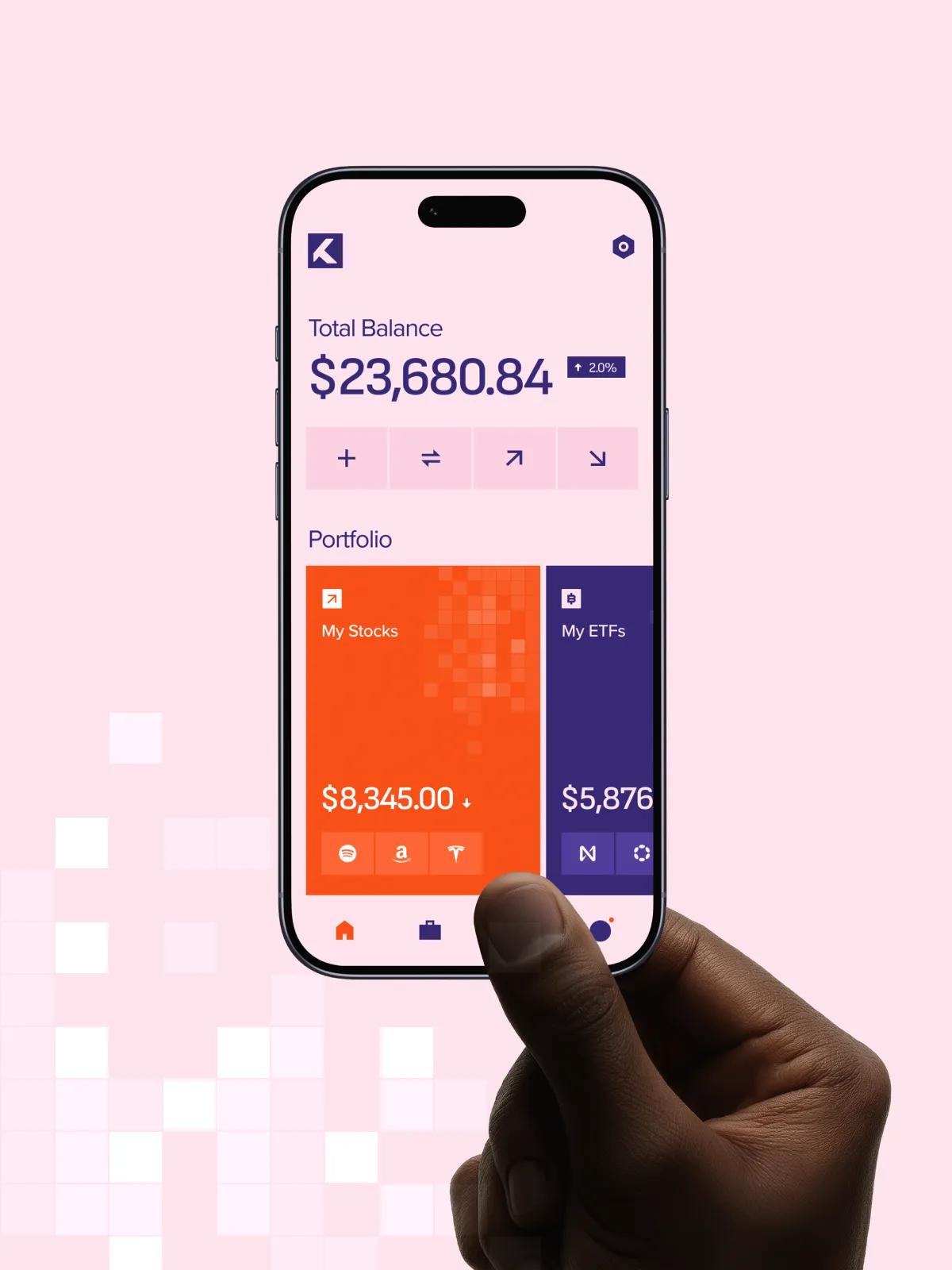
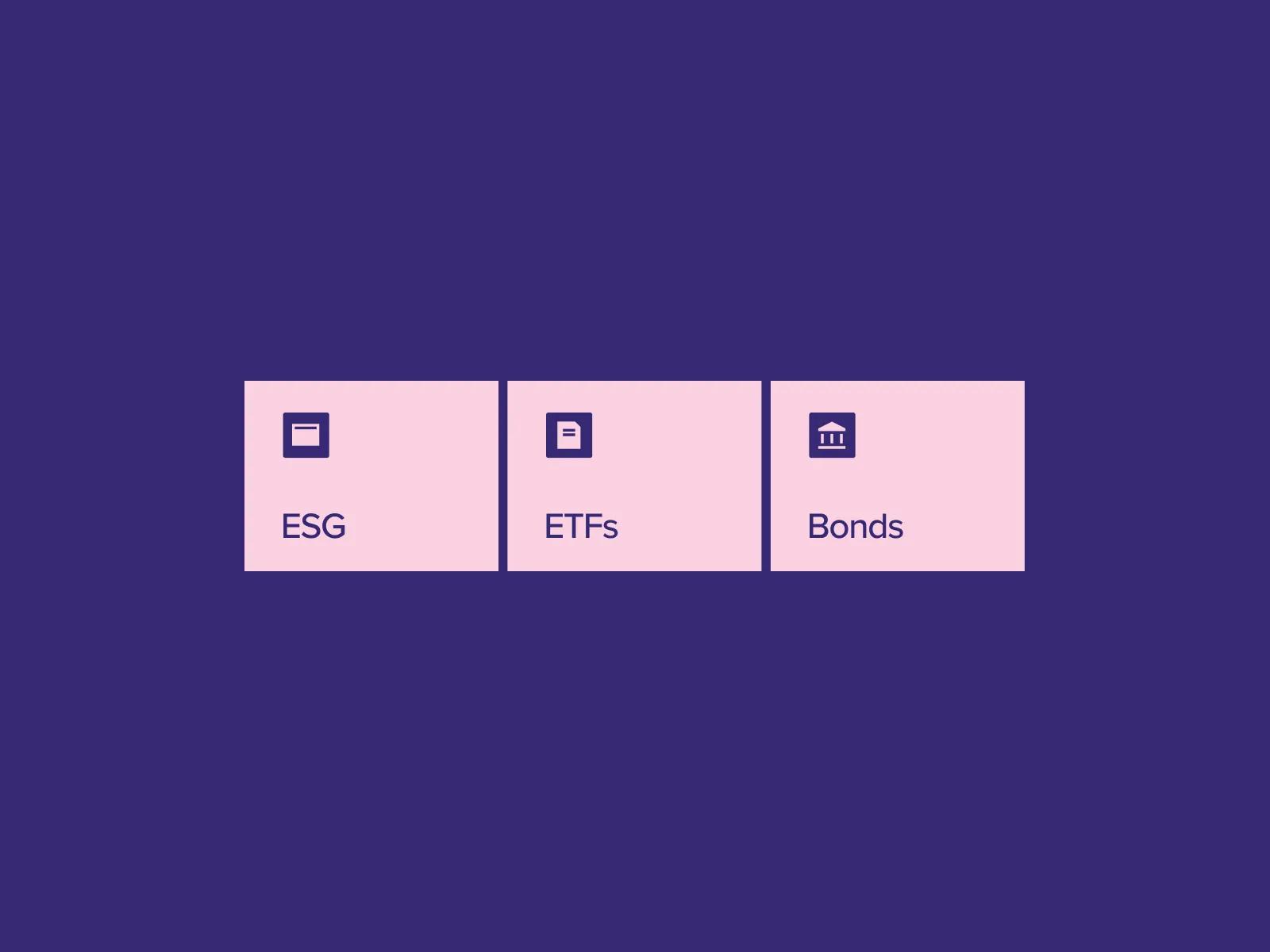
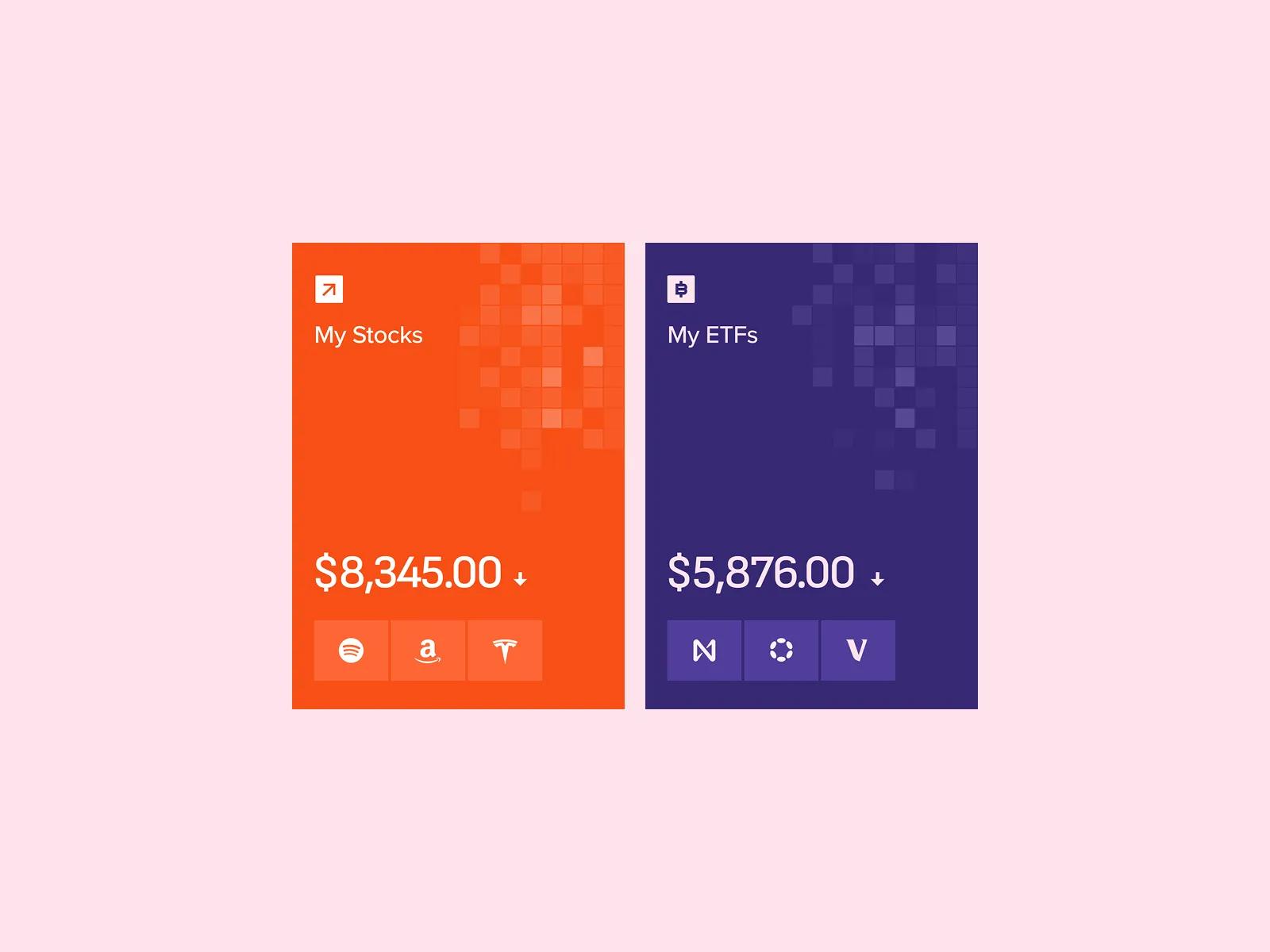
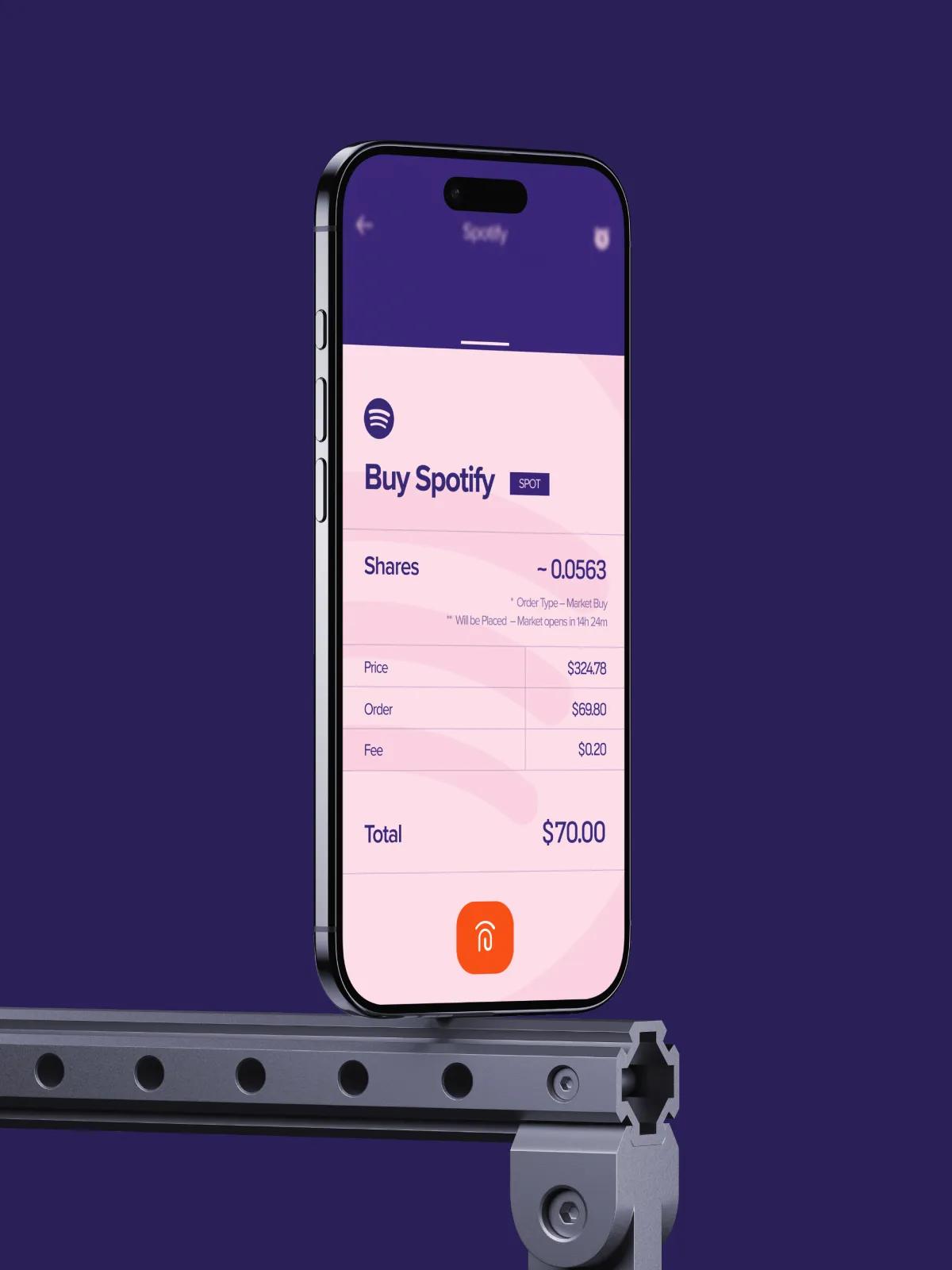
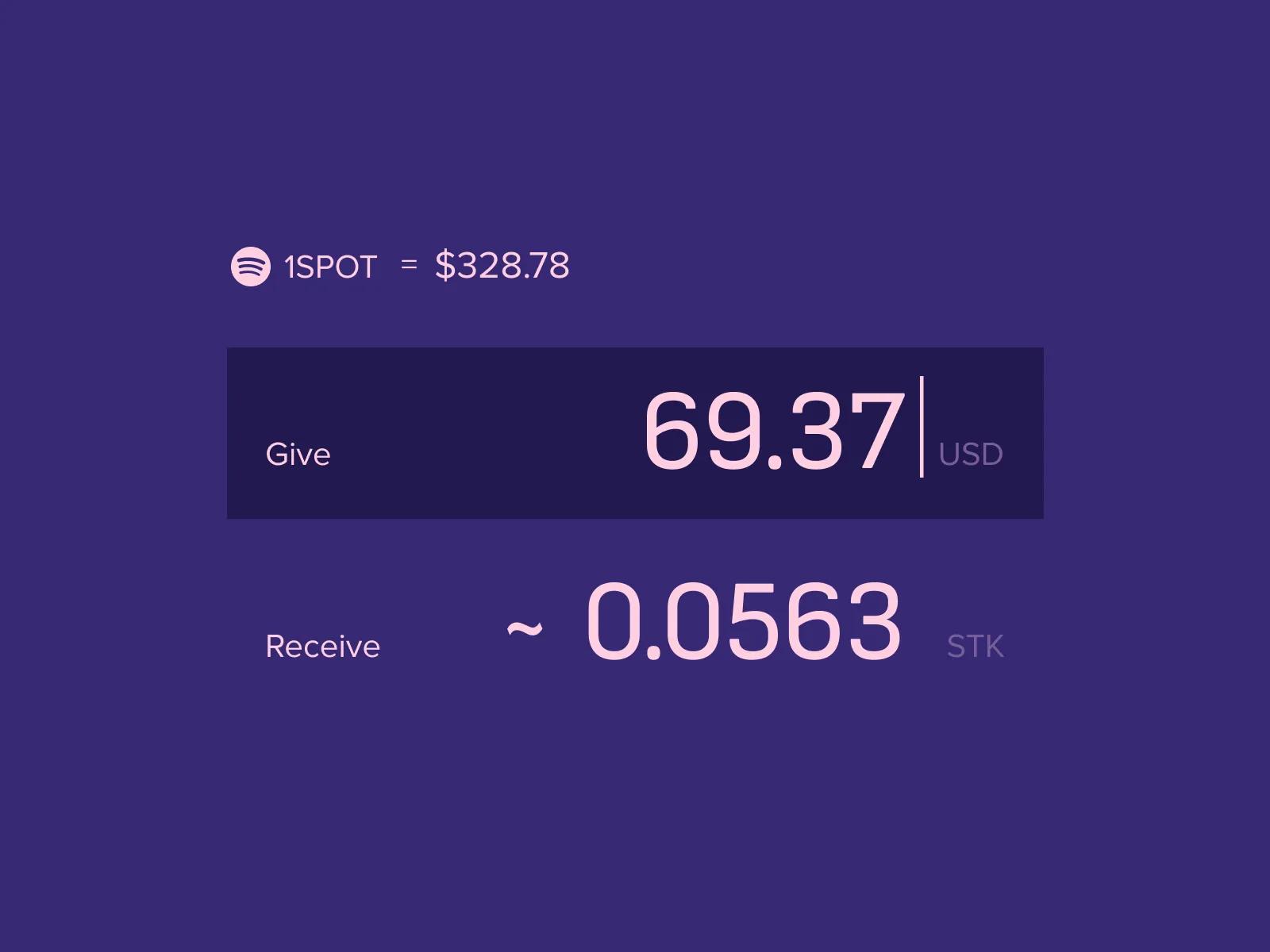
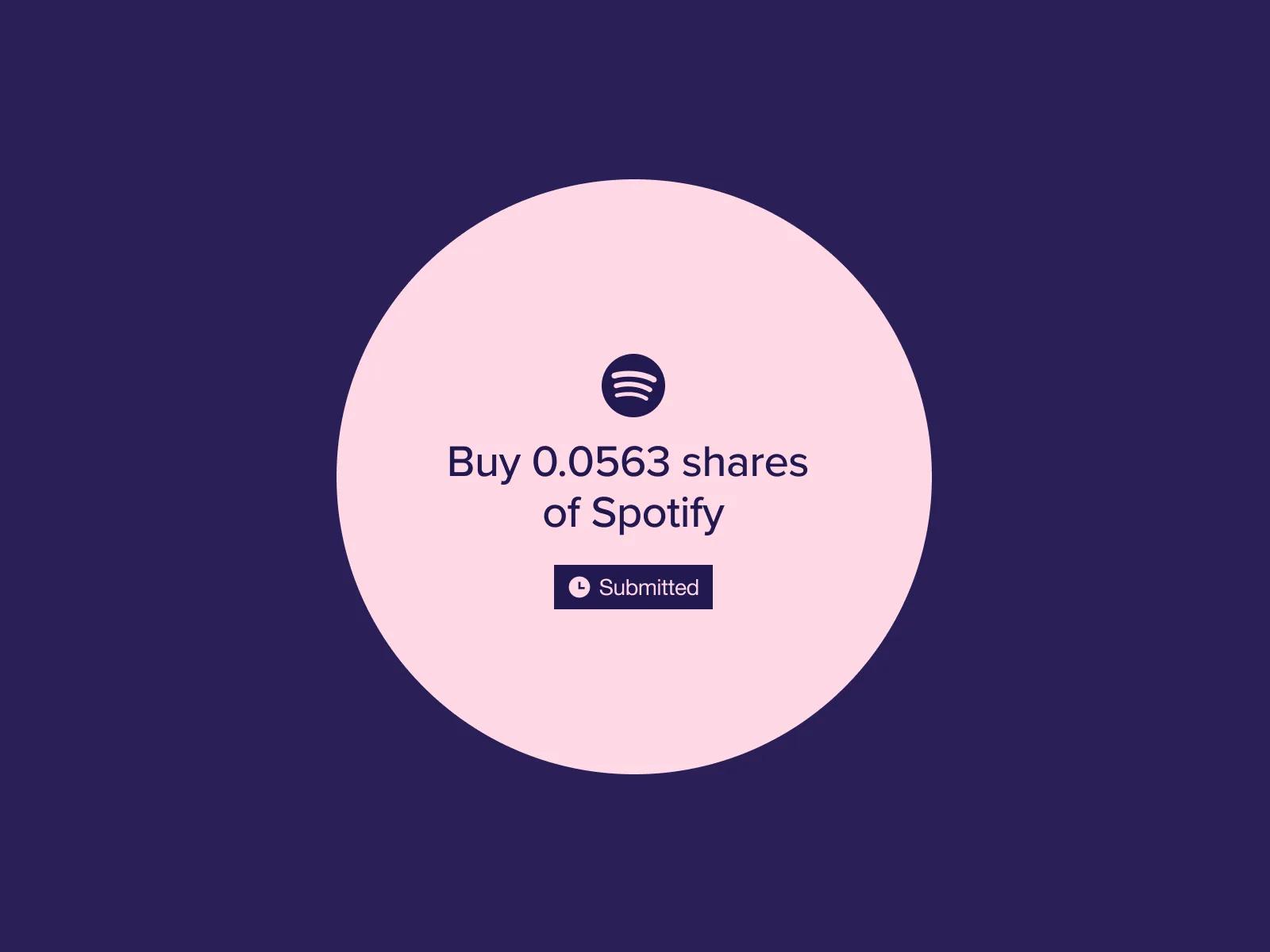
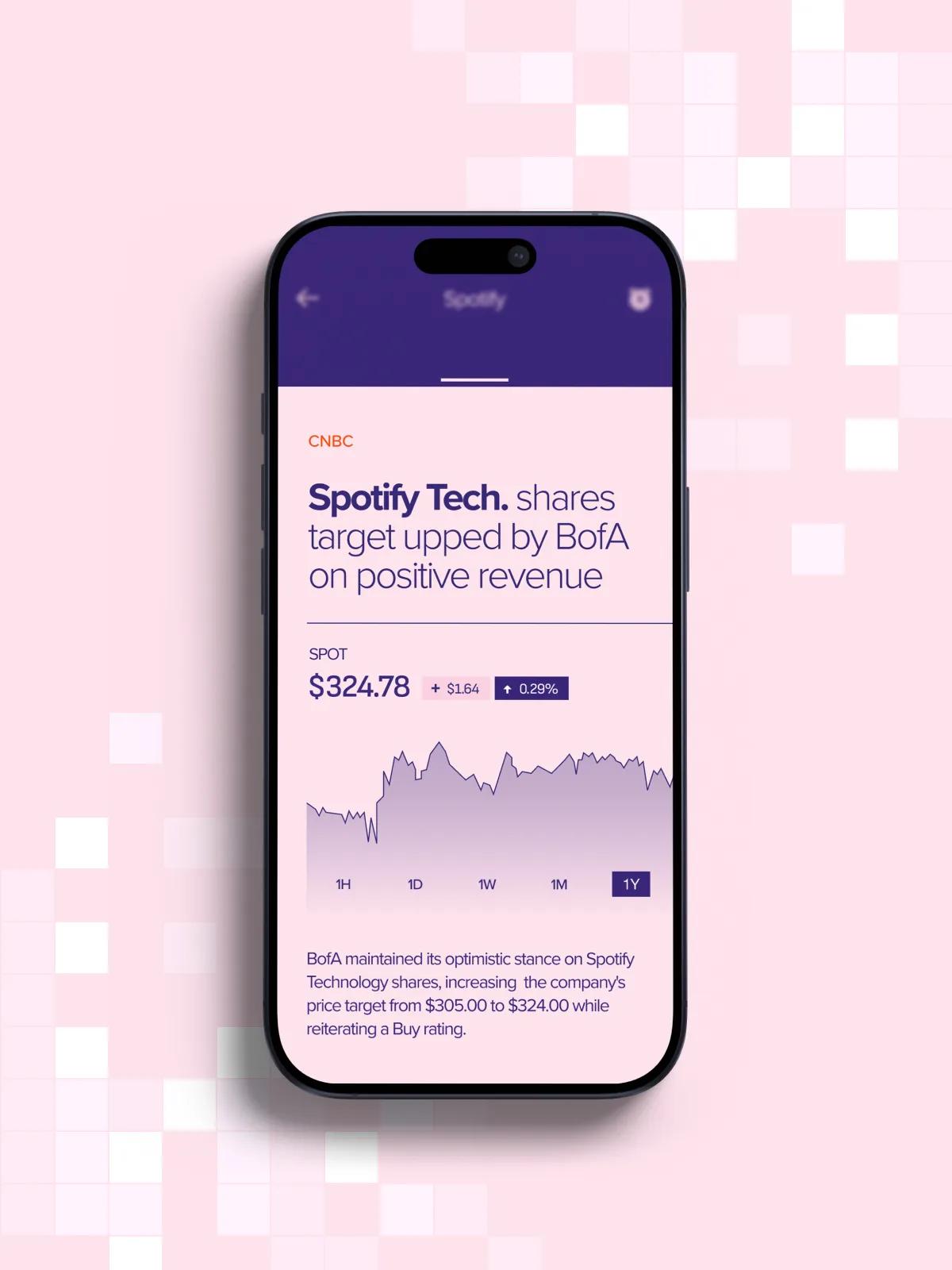
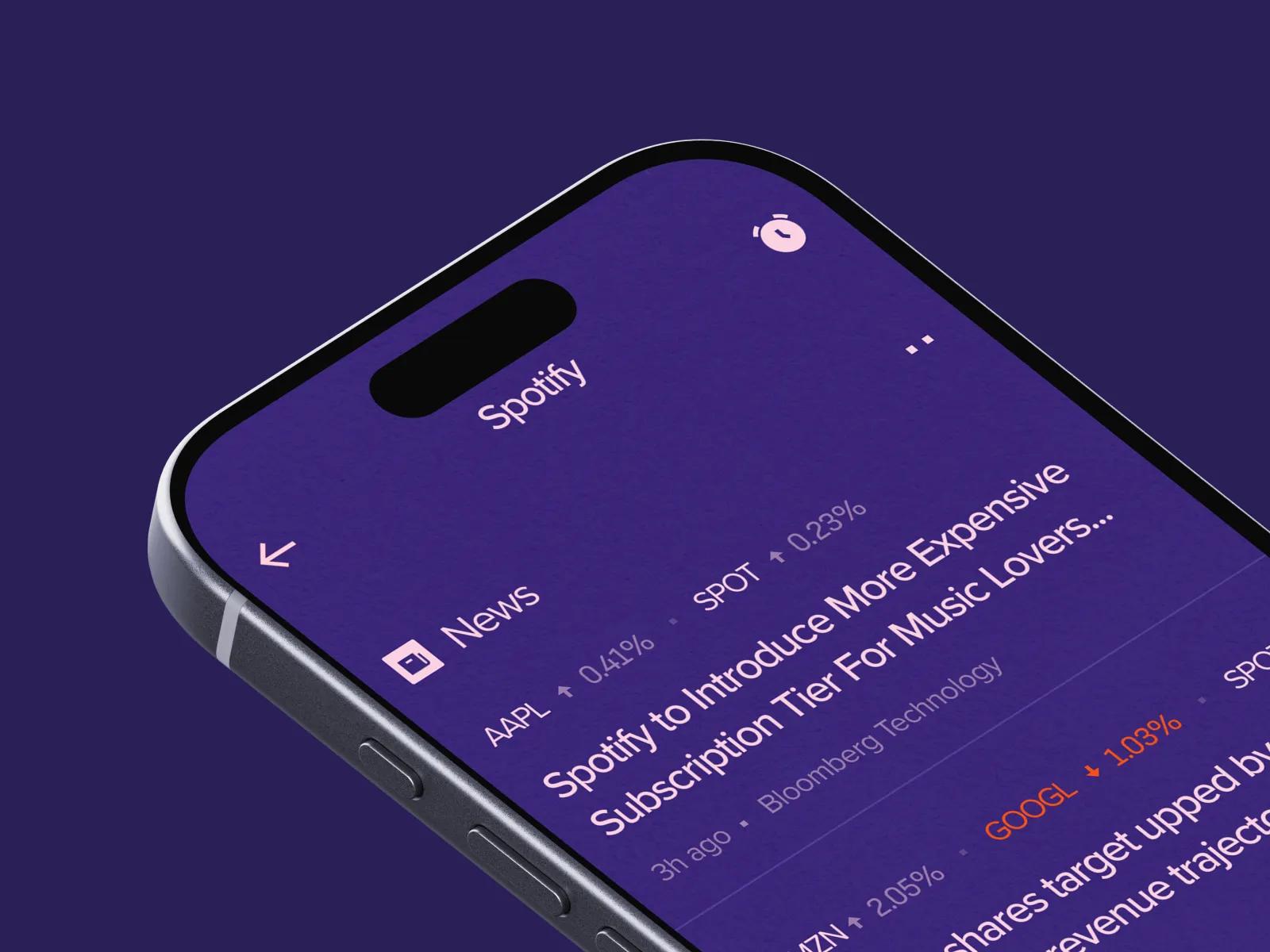
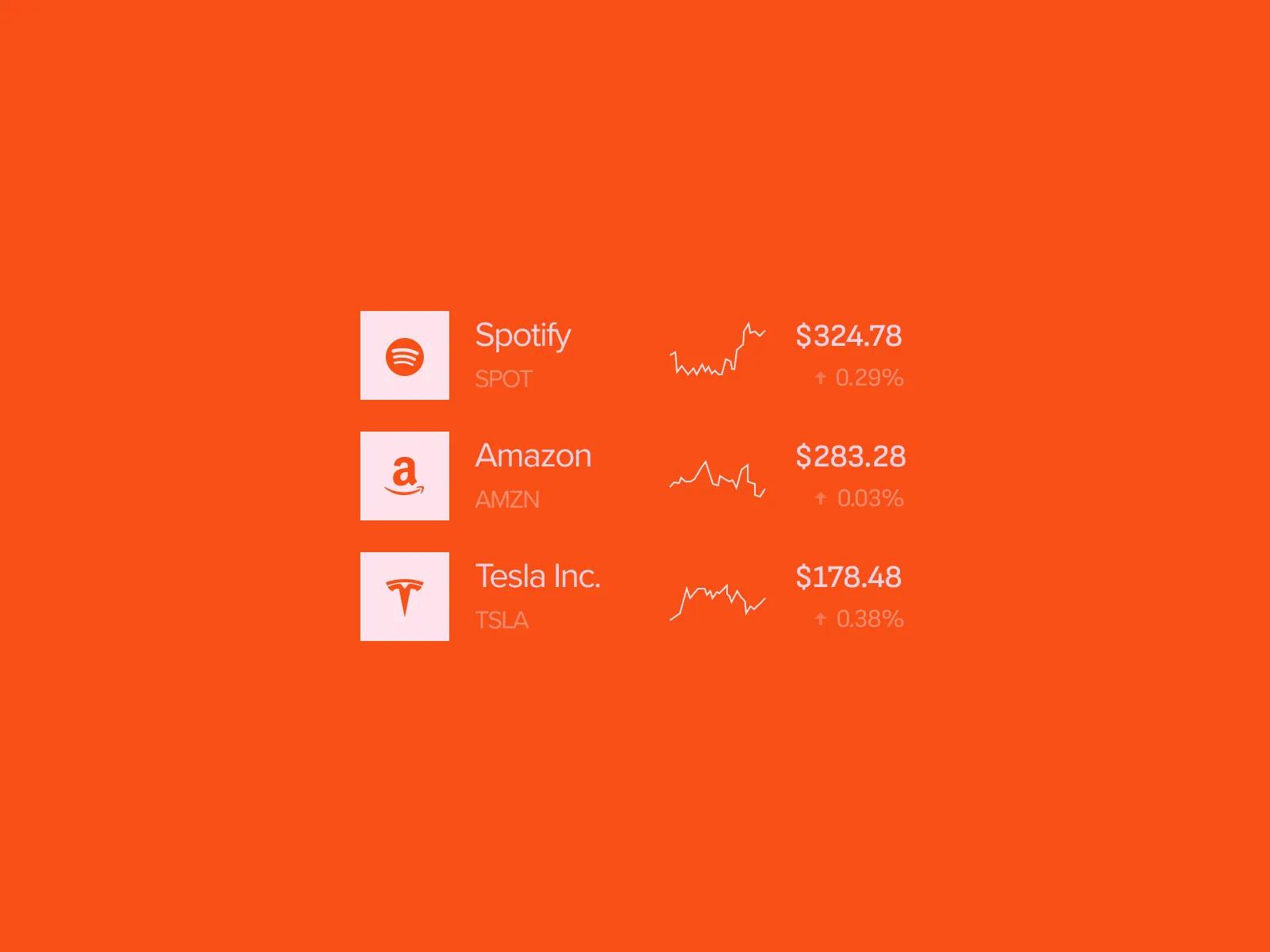
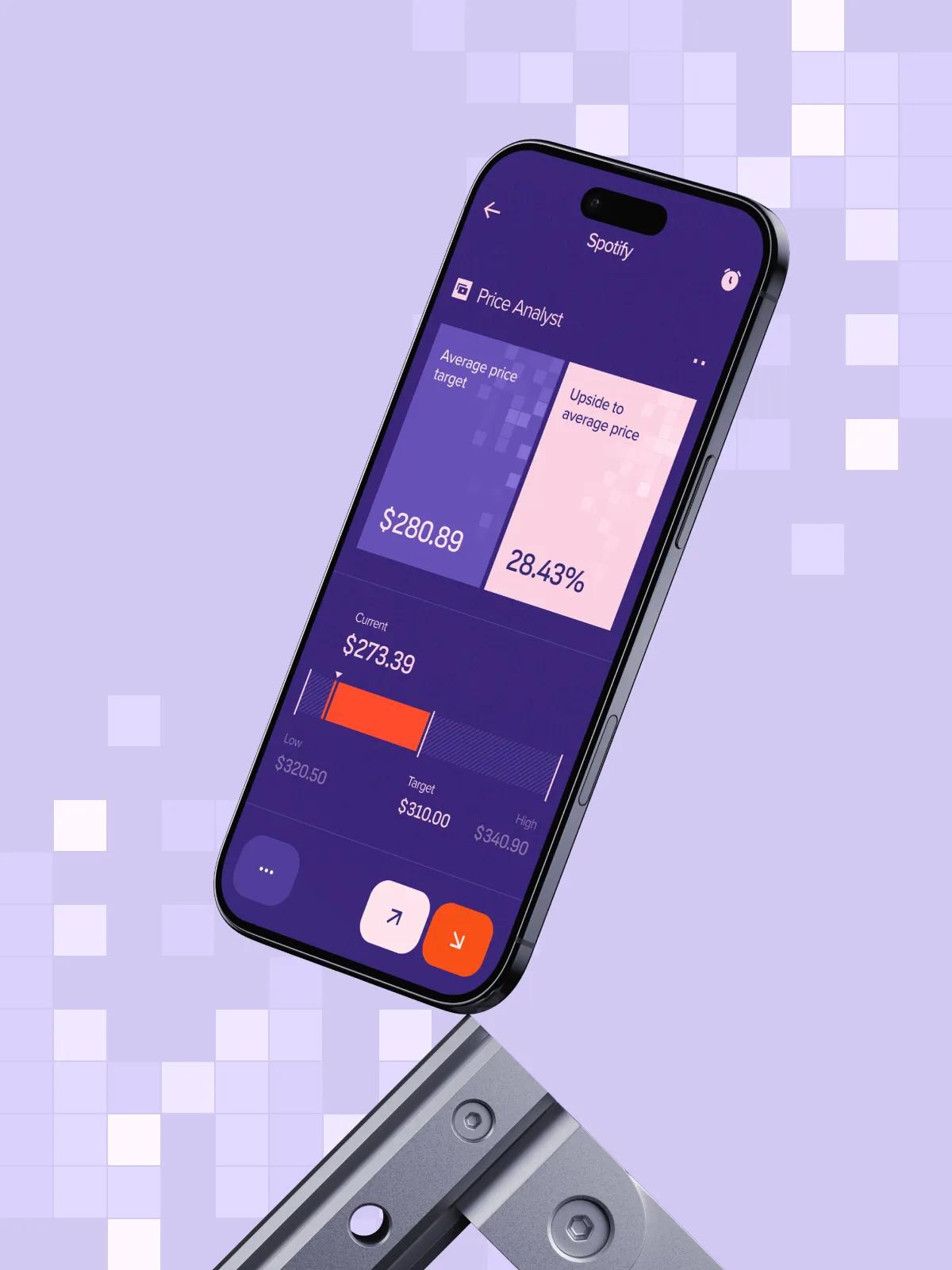
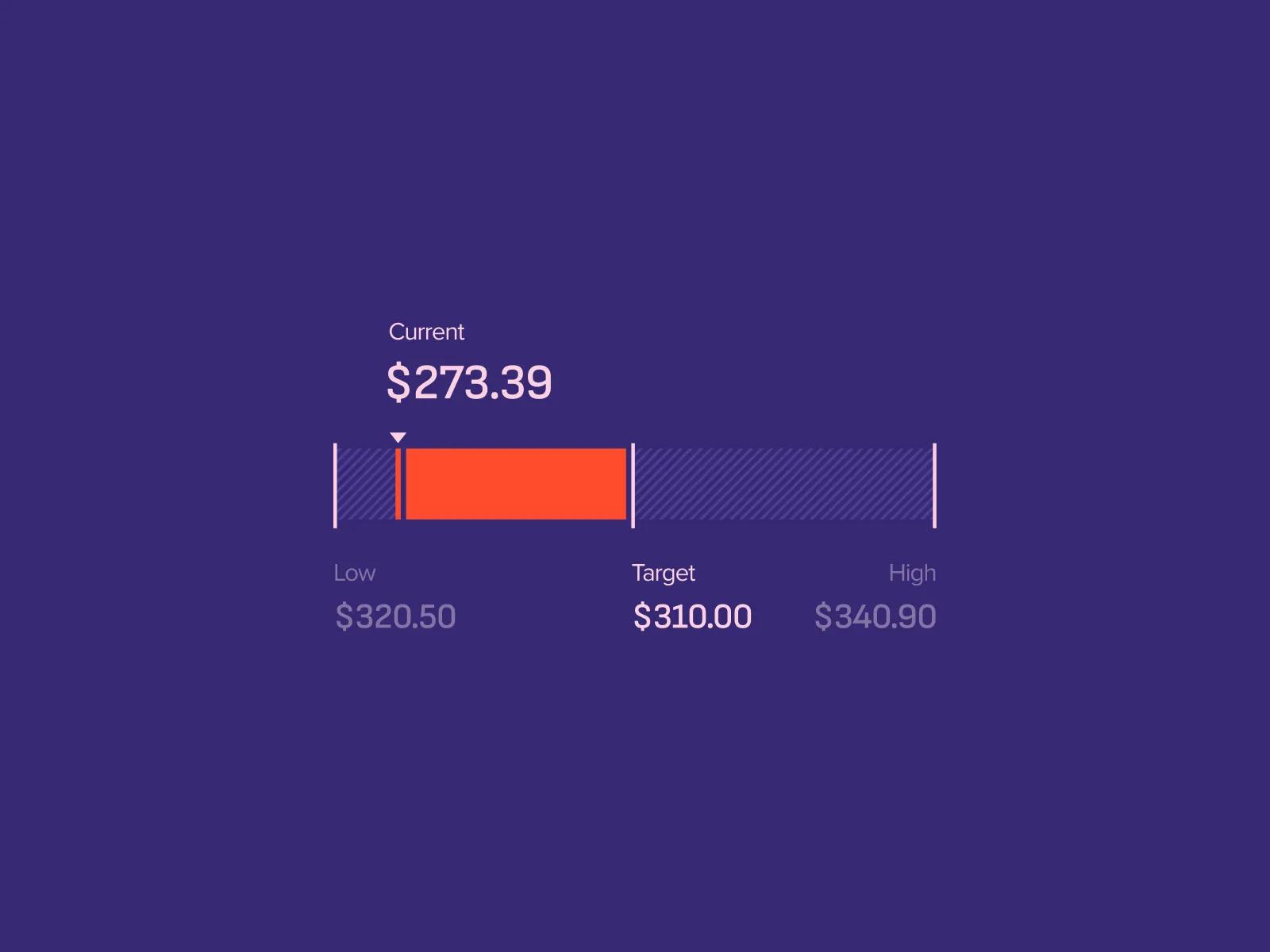
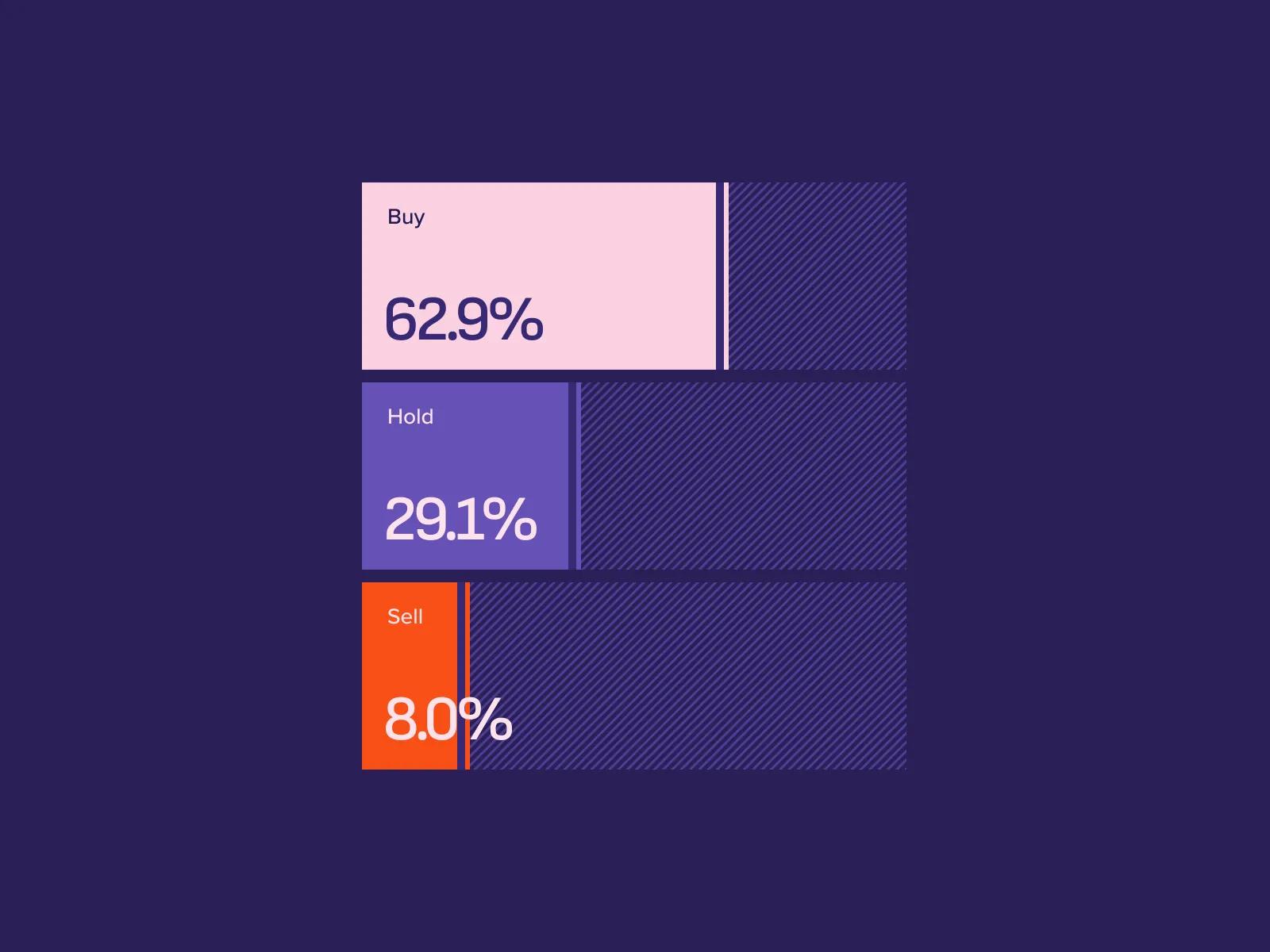
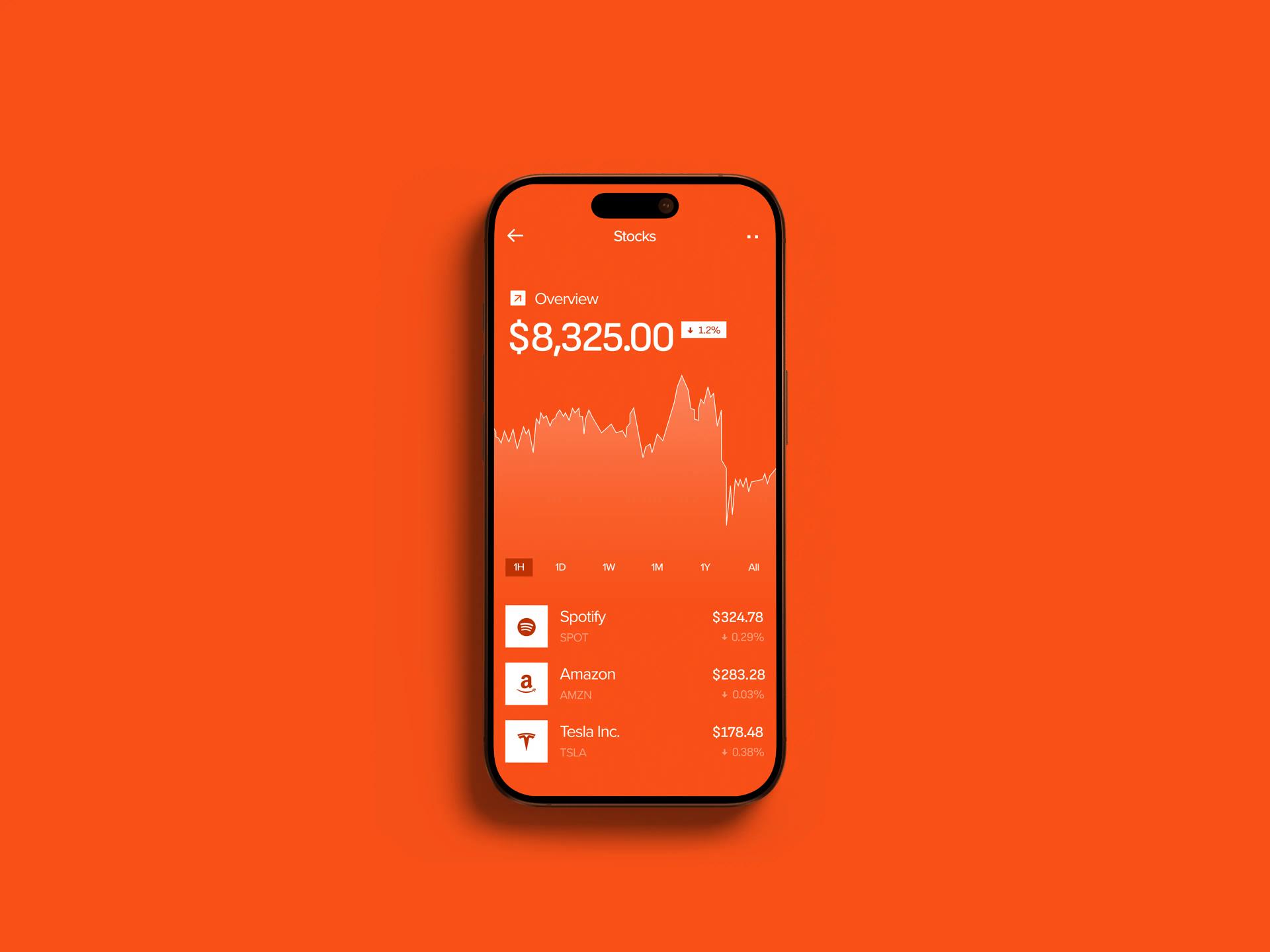
[✳]The product was built around four capabilities that had to work together rather than as separate modules. Portfolio tracking, trading, real-time data, and personalisation each shaped how the others were designed.
Feature coverage at investor demo
Every flow in the pitch deck was live in the app, with real market data and a working portfolio, by the time investor conversations started.
Asset classes in one account
Stocks, mutual funds, and bonds unified under a single portfolio engine, with no separate apps or accounts for the user to manage.
Audience coverage from one interface
The same UI serves first-time investors and experienced users without a beginner mode, validated through usability testing across both segments.
Have a project
in mind?
Business Benefits
[✳]The app moved from concept to a working product over the engagement, with the founders running closed-beta sessions and investor demos against the same build. The personalisation layer, the unified portfolio, and the trading flow are all live with real data, which changed the conversation in pitches from "here's what we plan to build" to "here's the product, try it." Day-to-day, the founders are using the same app to run user research, which has tightened the loop between feedback and changes.
The deeper impact sits in what the product can support next. Because the portfolio engine handles three asset classes through adapters rather than dedicated stacks, adding a fourth (the team is looking at ETFs and options) is a contained piece of work rather than a rebuild. The provider-agnostic data layer means commercial negotiations with market data and brokerage partners aren't blocked on engineering rework. The personalisation surface, designed before the algorithm, gives the data team a clean target to ship against. Each of these decisions was made during the build to keep optionality open for the post-investment phase, and they've held up.
The product entered investor conversations as a working app rather than a deck, which is the bar the founders set at the start of the engagement.
The team
[✳]Lead UX Designer
Owned the end-to-end experience, from first-investor interviews through to the final order ticket flow. Ran the usability sessions with both novice and experienced users and translated findings into the information architecture that the rest of the design and build worked from.
UI Designer
Built the visual system that lets the same screens serve beginners and experienced users without a mode switch. Delivered the component library, the recommendation card patterns, and the asset detail layouts that made cross-asset parity possible.
Mobile Developers (2)
Built the iOS and Android apps against the shared design system, including the portfolio engine, the order ticket, and the live data integration. Worked inside the founders' development cadence as part of the team augmentation arrangement.
Backend Developer
Integrated the market data feed, the brokerage API, and the personalisation rules engine. Designed the adapter pattern that keeps stocks, mutual funds, and bonds in one portfolio without coupling the UI to any single provider.
Product Manager
Translated investor-facing milestones into a build plan that could carry a pitch, sequencing the features so each demo had something new and stable to show. Ran the weekly cadence with the founders and kept scope honest against the pre-investment timeline.
QA Engineer
Set up the test coverage for the trading flow, the portfolio calculations, and the data feed handling, with particular attention to edge cases around market open and close. Took the app through pre-demo regression passes before each investor session.
Frequently Asked Questions
[9]What technology stack and tools are used to develop mobile trading applications?
Mobile trading applications typically rely on technologies, frameworks, and tools that support real-time data processing, secure integrations, fast execution, and reliable user experiences. The technology stack may include investor frontends, single API gateways, system integrations, low-latency event streaming platforms, parallel processing pipelines, and real-time stock data analysis tools.
For more advanced products, the stack may also include algorithmic trading software, cryptocurrency exchange integrations, risk management systems, portfolio strategy and allocation models, and statistical or machine learning algorithms. The right technology choices depend on the app's complexity, supported asset classes, performance requirements, and regulatory environment.
A single API gateway in front of these services gives the mobile client one interface to call rather than several, and centralises authentication, rate limiting, and observability. For products with a faster route to market, pre-built stock trading software solutions can shorten the build, with system integration work connecting them to brokerage APIs and market data feeds. Machine learning earns its place in specific surfaces, such as personalised recommendations, sentiment analysis, and risk forecasting, rather than as a default layer across the whole product.
What types of trading applications can be developed?
Trading applications can be developed for different financial instruments and user needs, including stock trading, forex trading, cryptocurrency trading, multi-broker access, portfolio analysis, and broader investment management. Some apps focus on simple account balance top-ups and market access, while others provide comprehensive investment analytics, criteria-based asset search, and advanced market research.
More interactive trading apps may include dynamic trading charts, macroeconomic analytics, market analytics, interactive visualizations, virtual funds, simulated trader competitions, gamified trader e-learning, and tutorials. These features can support both beginner investors and more advanced traders who need deeper analysis and decision-support tools.
The shape of the product changes with the audience as much as with the asset class. Beginner-leaning apps lean on tutorials, paper trading environments, and virtual funds to build confidence before users commit real money, while apps for experienced users foreground criteria-based asset search, dynamic charts, and macroeconomic context. Multi-broker apps consolidate accounts across several providers, letting users see a single portfolio view rather than switching between platforms, and multi-asset apps combine stocks, mutual funds, and bonds in one account so users don't have to maintain separate logins for each.
What technical architecture and security considerations are important for trading apps?
Trading apps require secure, scalable, and responsive architecture because they handle sensitive financial data, real-time market information, and user transactions. A strong technical foundation may include modular cloud-native architecture, secure APIs, an integration layer, object storage, observability, and latency-critical engines for fast and reliable trading operations.
Security should also be designed into the architecture from the start. This may include compliance controls, SIEM tools, regulatory reviews, security and governance layers, zero-trust principles, and technology-specific code standards. These elements help protect user data, support regulatory obligations, and reduce operational risks as the platform scales.
Zero-trust principles mean every internal request authenticates rather than relying on network position, which reduces the blast radius if any single component is compromised. Observability covers logs, metrics, and traces across the system, with order lifecycle, market data freshness, and user-visible errors as priority surfaces. Compliance controls work better when they're built in early than retrofitted near launch, which is why KYC, AML, transaction monitoring, audit trails, and reporting hooks are treated as architectural decisions rather than features added late in the build.
Why are client success stories and case studies important in trading app development?
Client success stories and case studies show how trading app development projects work in real situations and what outcomes they can deliver. They help prospective clients understand the development process, solution design, business context, and measurable improvements achieved through the project.
Strong case studies may include collaborative discovery sessions, regulatory context, paper trading environments, trade strategy simulation, what-if analysis, stress testing, trade performance analytics, and outcome measurement. They can also demonstrate how features such as AI-assisted live trading, data-driven guidance, manual controls, and trade performance forecasting were applied to solve specific business needs.
The most useful examples cover specific surfaces in detail rather than leaning on adjectives. Outcome measurement matters: case studies that lean entirely on superlatives without numbers tend to be marketing rather than evidence. Collaborative discovery sessions surface trade-offs that wouldn't come out of a one-way handover, between investor-demo polish and feature breadth, between beginner clarity and power-user depth, between time to market and breadth of asset coverage. Those are the trade-offs prospective clients want to see worked through.
What essential and advanced features should a mobile trading app include?
A mobile trading app usually includes essential user-facing features such as account access, real-time market data, portfolio management, watchlists, stock scanners, security controls, and third-party integrations. These features help users monitor markets, manage positions, and make informed trading decisions from a mobile device.
Advanced trading apps may include AI robo-advisor tools, personalized watchlists, sentiment analysis, probability indicators, social trading features, custom KYC/AML workflows, rule-based trading strategy backtesting, and trader self-learning modules. The final feature set should match the target audience, whether the app is built for beginner investors, active traders, wealth managers, or institutional users.
A personalised watchlist differs from a static one in that it suggests instruments based on holdings, search history, and stated goals, and updates as those signals change. Probability indicators express the likelihood of an outcome as a percentage or visual cue, with the honest implementations surfacing the inputs alongside the output so users can see why the indicator says what it says. Rule-based backtesting lets users define a trading rule and run it against historical price data, which sits naturally alongside paper trading environments where the same rules can run against live data without real money.
What challenges can arise during trading app development, and how can they be solved?
Common challenges in trading app development include regulatory compliance, low-latency performance, logic bugs, data accuracy, real-time trade processing, input/output operations, user experience issues, and the need for reliable tick data. Because trading apps operate in a high-risk financial environment, even small errors can affect trust, usability, and operational reliability.
These challenges can be addressed through a comprehensive testing process, compliance consultants, regulatory requirement reviews, risk forecasting models, concurrent reporting, and custom risk forecasting models. Strong engineering practices, performance testing, and careful UX design help ensure the app remains secure, responsive, and reliable under real trading conditions.
Latency comes from three places: the network between the exchange and the backend, the processing inside the backend, and the connection between the backend and the user's device. Each gets optimised separately, with streaming infrastructure handling the first two and efficient mobile clients handling the third. Logic bugs around money and order state get layered testing, including manual review of any change that touches the order lifecycle, because a logic error can produce a wrong balance or a duplicate order. Stress testing under realistic load surfaces where the system breaks first, usually the database, the order queue, or a third-party integration with rate limits, so those bottlenecks can be addressed before real users hit them.
How can trading app development services be customized for different clients?
Trading app development services can be customized to match different business models, market segments, asset classes, and user needs. Some clients may need a custom stock trading app, while others may require automated bond portfolio management, custom portfolios, configurable hierarchies, or portfolio rebalancing rules.
Customization can also include cloud-native layered modular architecture, interface customization, customizable watchlists, customizable widgets, integration services, and modernization of legacy trading solutions. For some clients, readymade stock trading platform solutions may be adapted, while others may need a fully custom platform built around their workflows, risk model, and investment strategy.
The choice between custom and readymade usually comes down to where the differentiation sits. Readymade works when the value is in branding and distribution; custom makes sense when the experience, the asset mix, or the personalisation logic is the product. Cloud-native layered modular architecture keeps custom builds flexible as the product evolves, with class-specific logic kept in adapters rather than scattered through the UI, so adding a new asset class or swapping a data provider is a contained piece of work rather than a rebuild.
What company credentials and trust factors matter when choosing a trading app development partner?
When choosing a trading app development partner, company reputation and trust factors are especially important because trading applications handle sensitive financial data, user accounts, and regulated workflows. Clients should look for relevant awards, certifications, partnerships, client testimonials, and demonstrated experience with secure financial technology systems.
Useful trust signals may include AWS Partner status, Microsoft Partner status, ISO 27001-certified security management systems, ISO 9001-certified quality management systems, comprehensive testing processes, ongoing maintenance, partnerships, and post-warranty support. These factors help show whether the development partner can deliver secure, reliable, and well-supported trading software.
Beyond certifications, the structure of the engagement matters as much as the credentials on the website. Trading apps don't sit still after launch: market data providers change their APIs, brokerage integrations evolve, regulatory requirements shift, and users find edge cases the launch testing didn't cover. A development partner that disappears after handover leaves the product team to absorb all of that, which is workable for some companies and not for others. Ongoing maintenance and post-warranty support are practical signals that the partner is set up to stay involved past launch.
What is the typical development process for a mobile trading app?
The development process for a mobile trading app usually starts with discovery workshops, business analysis, user research, and planning. During this stage, the team defines user needs, regulatory requirements, core workflows, feature briefs, user journey maps, wireframes, and an end-to-end app development roadmap.
From there, the project typically moves into interactive prototypes, MVP development, system integration, quality assurance, deployment, and iterative evolution. Agile methodology is often used because trading apps require continuous refinement, testing, and adaptation as user needs, compliance requirements, and market conditions change.
The MVP is the smallest version of the product that can carry a real user through onboarding, funding, a trade, and a portfolio review. Cutting too close to the bone produces an MVP that can't be demoed; padding it produces one that ships late. Iterative evolution works better than long upfront specs because trading app requirements tend to shift as users actually touch the product, with the discipline being to keep each cycle small enough to absorb change without rewriting work that's already shipped. QA covers the trading flow, portfolio calculations, and data feed handling, with particular attention to edge cases around market open and close.